
Introduction to Samsung galaxy problems
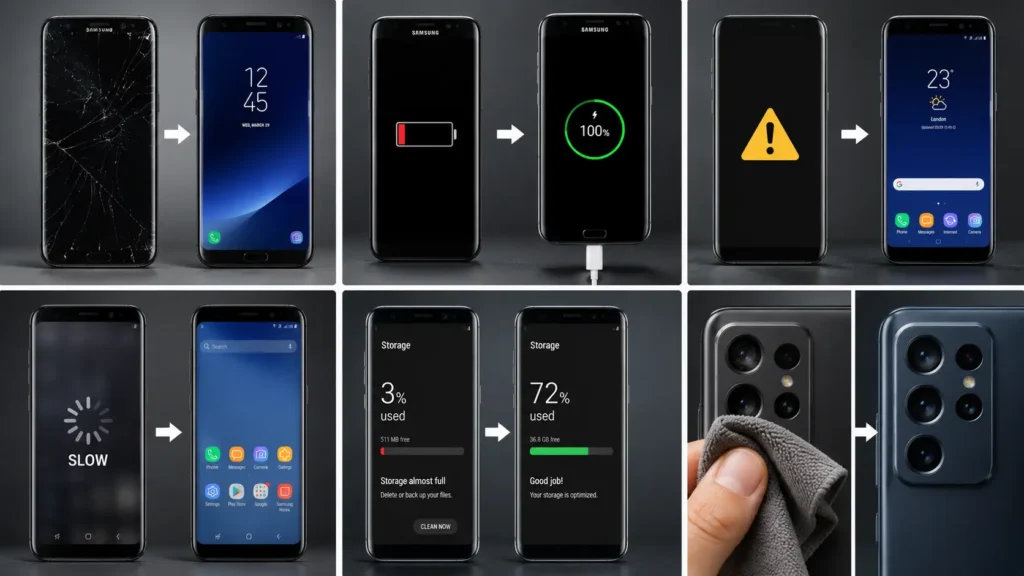
Samsung Galaxy phones pack a lot of hardware into a slim body big AMOLED displays, fast charging, multiple cameras, and (on Fold and Flip models) a hinge that opens and closes thousands of times. All of that makes for a great phone, but it also means there are more things that can go wrong than on a simpler device. If your Galaxy is acting up, there’s a good chance you’re dealing with one of a handful of well-known issues. Below, we cover the most common Samsung Galaxy problems, what usually causes them, quick things you can try at home, and when it’s worth bringing the phone in for a professional repair. If you’re in the Raleigh, NC area including Garner, Wake Forest, Knightdale, Cary, Durham, Apex, Clayton, or Morrisville Quick Phone Repair & Designs offers same-day Galaxy repairs at both our North and South Raleigh locations.
1. Battery Draining Too Fast is a part of Samsung galaxy problems
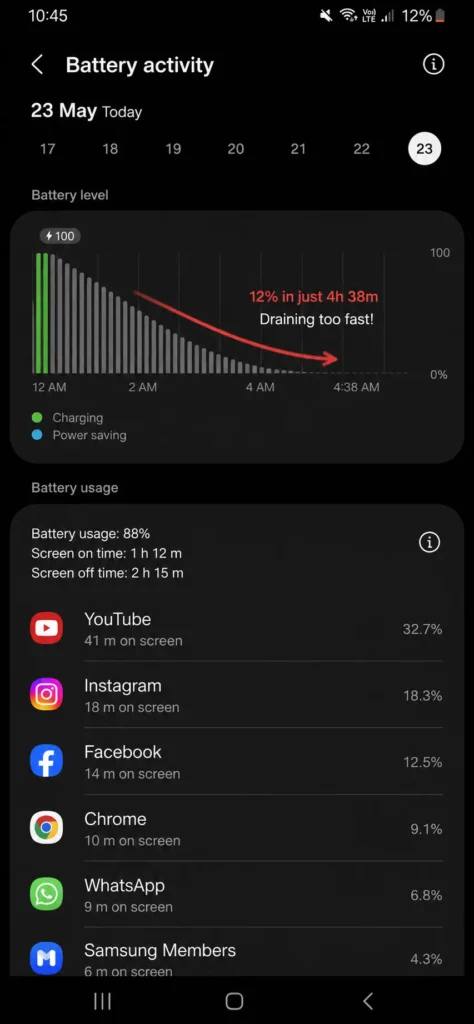
This is the single most common complaint Galaxy owners bring in. It usually creeps up gradually rather than happening overnight.
Common causes:
- Background apps refreshing constantly
- Screen brightness set too high or always-on display left on
- Battery health naturally declining with age (most lithium batteries noticeably degrade after 2–3 years of daily use)
- A rogue app or recent software update draining power abnormally
What you can try first:
- Check Settings > Battery > Background Usage Limits to see which apps are using the most power.
- Turn off Always On Display if you don’t need it.
- Lower screen brightness and turn on adaptive brightness.
- Restart the phone this clears background processes that build up over time.
When you need a professional: If the phone drops well below 80% battery health (visible in Settings > Battery > Battery Information on newer Galaxy models) or dies within a few hours of light use, the battery itself likely needs replacement.
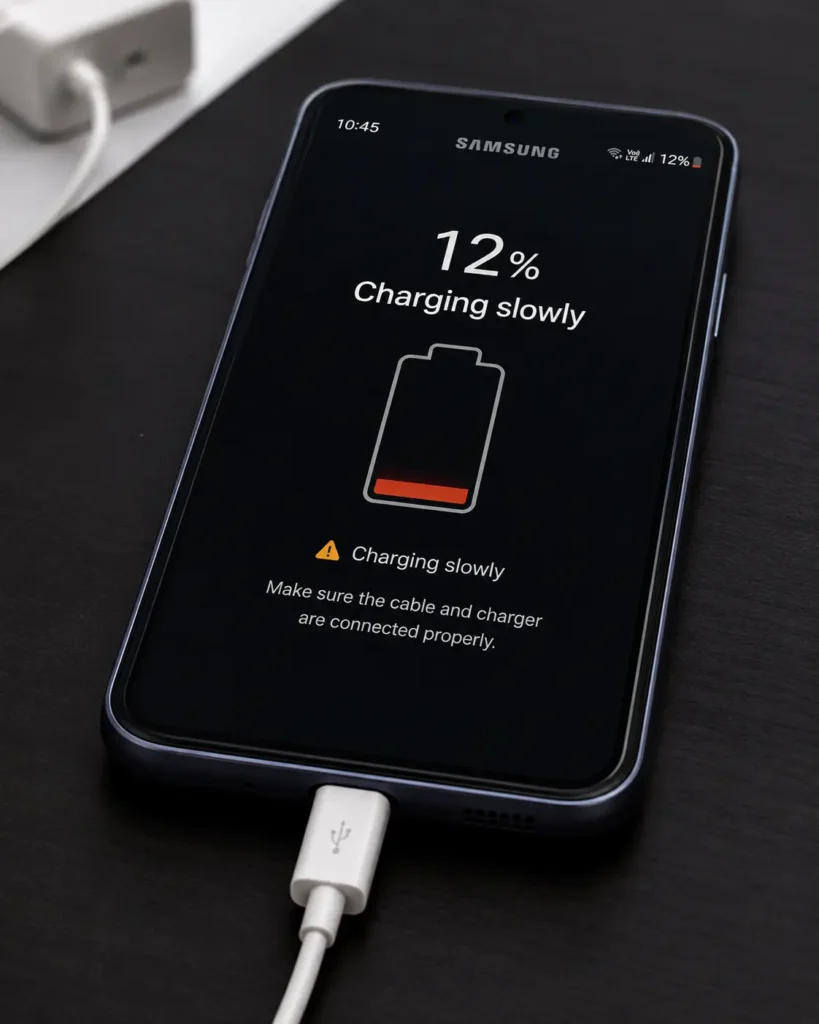
2. Phone Won’t Charge or Charges Slowly
Common causes of Samsung galaxy problems:
- Lint or debris packed into the charging port
- A worn-out or low-quality charging cable
- Software bug preventing the phone from recognizing the charger
- Physical damage to the charging port itself
What you can try first:
- Inspect the charging port with a flashlight for lint or debris, and gently clean it with a dry, soft brush or a can of compressed air. Avoid metal objects, which can damage the port’s internal pins.
- Try a different cable and wall adapter to rule out a bad cable.
- Restart the phone, then try charging again.
- Check for a Software Update in Settings > Software Update.
When you need a professional: If charging still fails after trying a different cable and cleaning the port, the port itself may be physically damaged and need replacement a repair best done with the right tools to avoid damaging the connector further.
3. Cracked or Shattered Screen
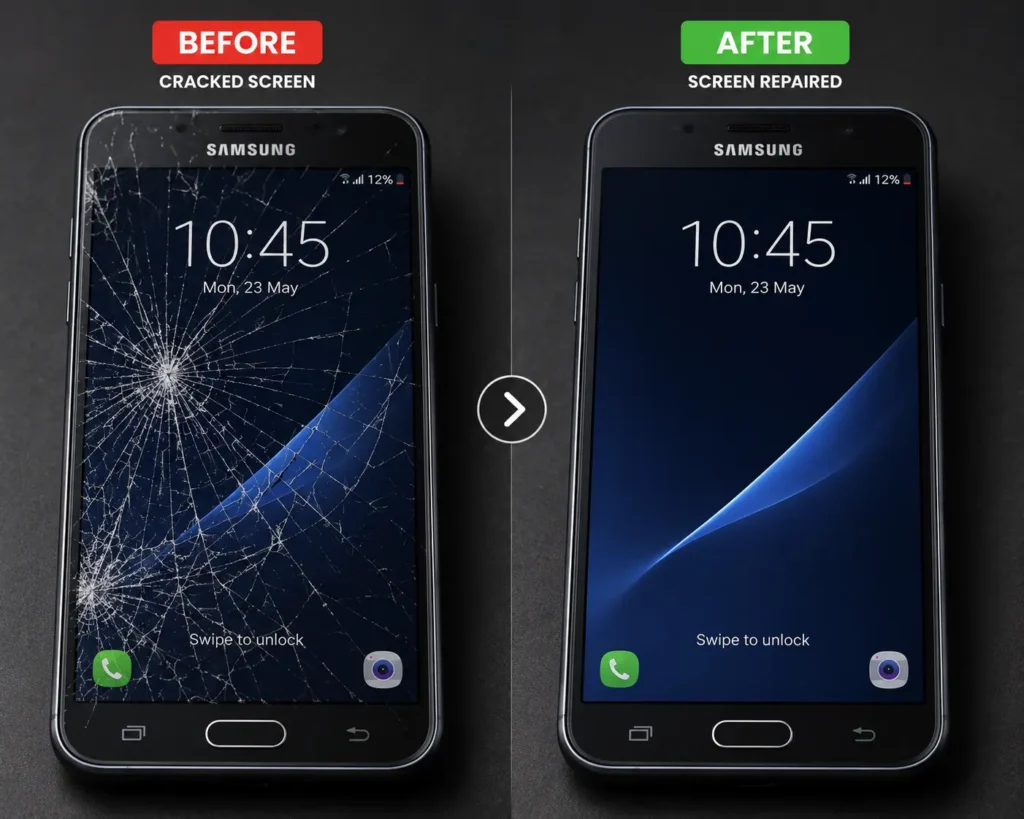
Samsung’s large AMOLED displays are beautiful but can be costly to replace if cracked especially on Fold and Flip models, where the inner screen is more delicate than standard glass.
What you can try first:
- Apply clear tape over the crack to prevent it from spreading or shedding glass shards.
- Back up your data right away in case the touchscreen becomes unresponsive.
- Avoid pressing on the display, especially near the crack.
When you need a professional: Any visible crack. On Fold and Flip models in particular, don’t wait a damaged inner screen with a compromised protective layer can let in dust and moisture that causes deeper internal damage.
4. Samsung galaxy problems like
Touch Screen Unresponsive or Glitchy
Common causes:
- Screen protector interfering with touch sensitivity
- Software glitch after an update
- Moisture on the screen
- Digitizer damage from a previous drop
What you can try first:
- Remove the screen protector and case, then clean the display with a dry microfiber cloth.
- Restart the phone.
- Boot into Safe Mode (hold Power button > tap and hold Power Off > tap Safe Mode) to check if a third-party app is causing the issue.
- Update to the latest Android/One UI version.
When you need a professional: If specific areas of the screen consistently fail to register touch after a restart and safe mode test, that points to digitizer damage requiring a screen replacement.
5. Overheating
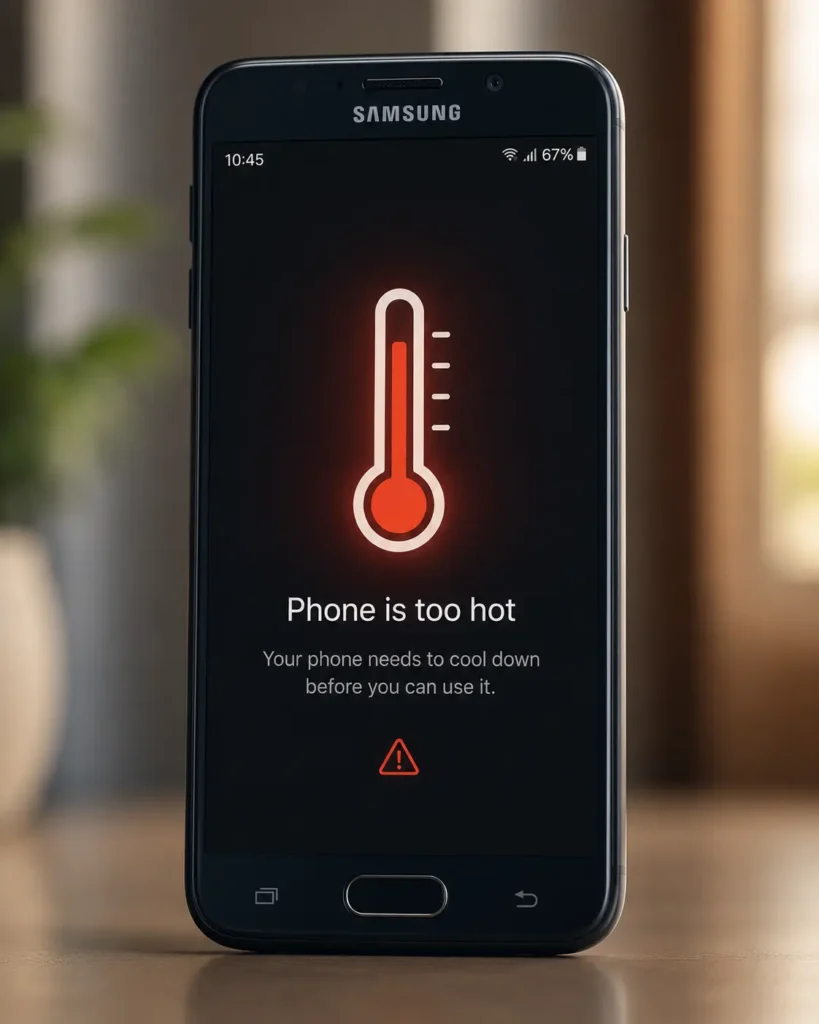
Common causes:
- Heavy gaming or video use, especially while charging
- Direct sunlight exposure
- Too many apps running in the background
- Battery or charging port fault generating excess heat
What you can try first:
- Remove the case while charging or during heavy use to help heat dissipate.
- Close background apps you’re not using.
- Avoid charging the phone while gaming or streaming video for extended periods.
- Keep the phone out of direct sunlight and hot cars.
When you need a professional: If the phone overheats even during light use or while sitting idle, that’s not a usage pattern issue it likely points to a battery or charging component that needs to be inspected and possibly replaced.
6. Water Damage
Many Galaxy models carry an IP68 water resistance rating, but that rating weakens over time as seals age, and it doesn’t cover submersion beyond the tested depth and duration.
What you can try first:
- Power off the phone immediately do not try to charge it.
- Dry the exterior and charging port with a soft cloth.
- Leave the phone in a dry, room-temperature area for at least 24-48 hours before attempting to power it on. Skip the rice trick it doesn’t pull moisture out of internal components effectively and can leave dust residue in the ports.
When you need a professional: If the phone was submerged, exposed to anything other than fresh water (pool chemicals, salt water, other liquids), or won’t power on after drying, get it to a technician for a proper internal inspection and cleaning before corrosion sets in.
7. Camera Not Working or Blurry Photos
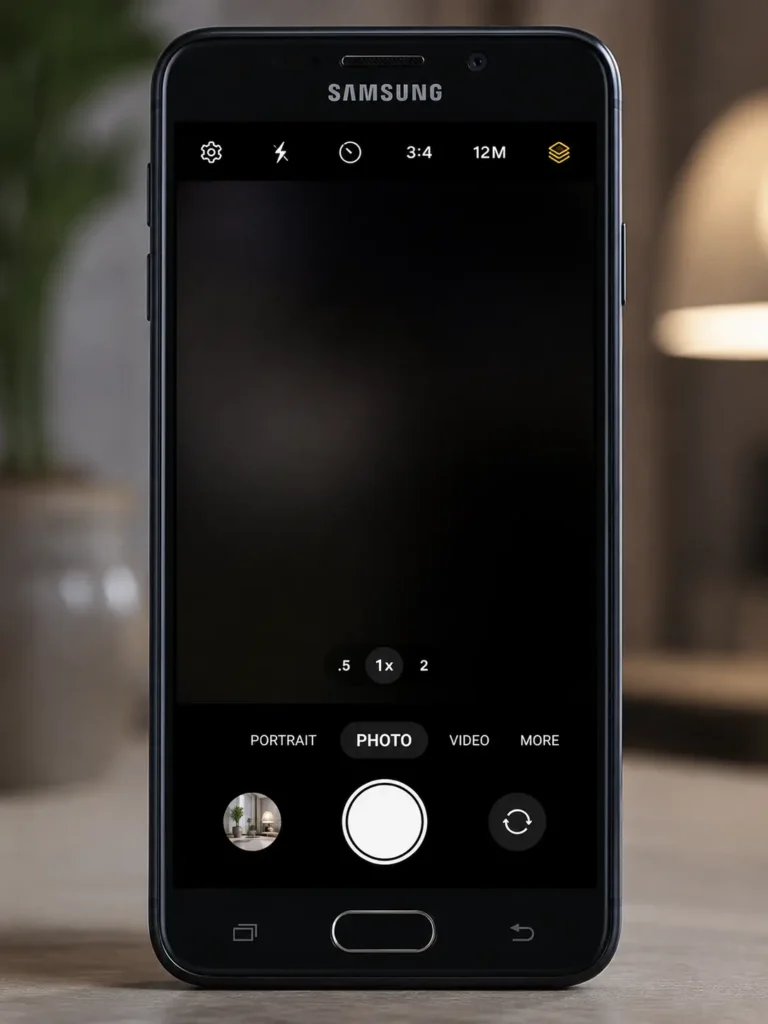
Common causes:
- Smudged or cracked camera lens
- Software glitch in the camera app
- Camera module damage from a drop, especially on multi-lens setups
What you can try first:
- Clean the camera lens with a microfiber cloth.
- Force-close and reopen the camera app, or restart the phone.
- Clear the camera app’s cache in Settings > Apps > Camera > Storage > Clear Cache.
- Update the Camera app and One UI through the Galaxy Store and Settings.
When you need a professional: If the camera shows a black screen, an error message, or persistent blur after cleaning the lens and updating software, the camera module itself likely needs replacement.
8. Samsung galaxy problems including Random Restarts or Freezing
Common causes:
- Storage nearly full
- A buggy app or corrupted cache
- Failed or incomplete software update
- Battery or motherboard fault (more common in older devices)
What you can try first:
- Check available storage in Settings > Battery and device care > Storage and clear space if it’s nearly full.
- Restart in Safe Mode to check for a problematic third-party app.
- Clear the system cache via Recovery Mode (steps vary by model).
- Make sure the phone is fully updated.
When you need a professional: If random restarts continue after a factory reset and software update, especially paired with overheating or fast battery drain, it’s likely a hardware issue that needs diagnostic testing.
Frequently Asked Questions
How much does it cost to fix a Samsung Galaxy screen?
Cost depends on the model standard Galaxy S and A series screens are generally more affordable than Fold or Flip inner displays, which use more delicate foldable technology.
Can I fix Samsung Galaxy problems myself?
Software issues like slow charging, overheating from overuse, or app glitches can often be resolved at home with a restart, update, or cache clear. Physical damage cracked screens, water damage, camera module failure needs professional repair.
How long does a Galaxy repair take?
Most Galaxy repairs at Quick Phone Repair & Designs are completed within 30 minutes to an hour, depending on the model and part availability.
Does Samsung Galaxy water resistance mean it’s waterproof?
No. IP68 water resistance is tested under specific lab conditions and weakens over time as seals age. It’s not a guarantee against damage from submersion, chemicals, or long-term exposure.
Do you repair phones the same day in Raleigh?
Yes. Quick Phone Repair & Designs offers same-day Samsung Galaxy repair at both our North Raleigh and South Raleigh locations.
When It’s Time to Call a Professional
Software-related hiccups battery drain, occasional freezing, camera app glitches are usually worth troubleshooting at home first. But once you’re dealing with cracked glass, water exposure, a damaged charging port, or a battery that won’t hold a charge, it’s time for a professional. Galaxy phones, especially Fold and Flip models, pack components tightly together, and an inexperienced repair attempt can easily damage the hinge, inner display, or water seals.
Get Your Samsung galaxy problems Fixed Fast in Raleigh, NC
If you’re dealing with any of the problems above, Quick Phone Repair & Designs offers free diagnostics and fast, affordable Samsung Galaxy repair at our North Raleigh and South Raleigh locations. Most repairs are completed in 30–45 minutes using quality replacement parts, and every repair comes with a warranty.
We proudly serve customers in Raleigh, Garner, Wake Forest, Knightdale, Cary, Durham, Apex, Clayton, Morrisville, and the surrounding Triangle area. Walk-ins are welcome, or you can book an appointment online or get an instant quote before you visit.
North Raleigh: 3111 Leland Dr, #110, Raleigh, NC 27616: (919) 295-1397 South Raleigh: 6213 Rock Quarry Rd, #106, Raleigh, NC 27610: (919) 307-8600