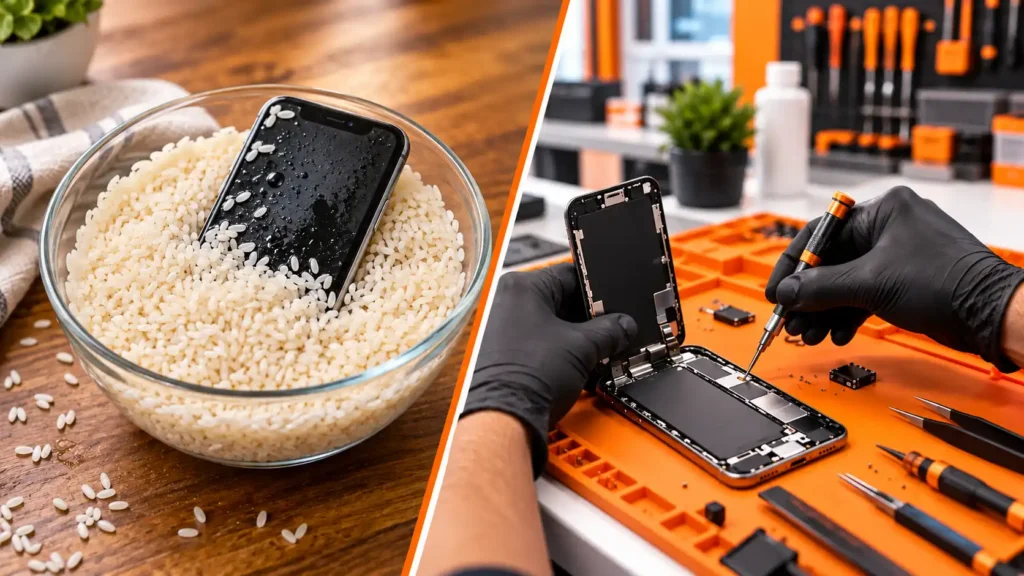
Rice vs professional repair for a wet phone

Rice vs Professional Repair: Which Works for a Wet Phone?

Your phone just hit the water, and every friend you text says the same thing: “Put it in rice!” It’s the most famous phone-saving trick on the internet. But does it work? When you compare rice vs professional repair, the results aren’t close  and the gap matters most in the first few hours after the spill.

Here’s what rice actually does, what it can’t do, and what gives a wet phone the best shot at survival.Why Everyone Believes in Rice

The logic sounds reasonable. Rice absorbs moisture, so burying a wet phone in it should pull water out. The trick has circulated for years, and because some phones survive a dunk no matter what you do, it keeps getting credit it hasn’t earned.

Survival bias drives the myth. People whose phones recovered tell the story. People whose phones died quietly two days later rarely connect it back to the rice.

What Rice Actually Does (and Doesn’t Do)

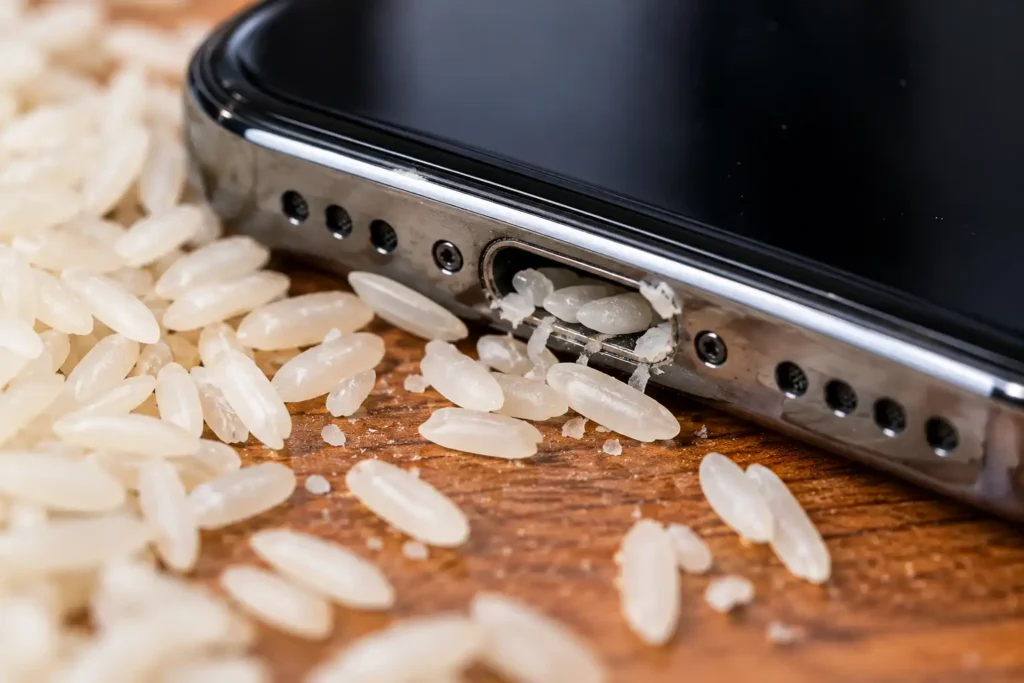
Rice particles near phone charging port

In the rice vs professional repair debate, rice loses on three counts:

  • It barely dries anything. Tests show uncooked rice isn’t particularly effective at absorbing moisture, and plain air drying works just as well without the risk.
  • It can add new problems. Apple’s own support guidance warns that small rice particles can get into your iPhone and cause damage.
  • It ignores the real threat. Rice does nothing about the minerals and residue left inside, and those cause the corrosion that kills phones days later.

According to TechRadar’s coverage of Apple’s guidance, Apple now tells users not to put a wet iPhone in rice and recommends gentle draining and air drying instead. Learn more about what happens inside a water damaged phone to see why surface drying isn’t enough.

What Professional Repair Does Differently

When you weigh rice vs professional repair, the biggest difference is what each one targets. Rice tries to dry the outside. A technician treats the corrosion inside.

  • ✅ Full disassembly to inspect every component for moisture and residue
  • ✅ Ultrasonic cleaning to lift mineral deposits and early corrosion off the board
  • ✅ Component-level testing to find exactly what the liquid damaged
  • ✅ Battery inspection because a wet or swollen battery is a safety risk
  • ✅ Data recovery attempt before repair work begins, when possible

We handle all of this in-house. Book a water damage diagnostic and we’ll tell you what we find before you spend anything.

Rice vs Professional Repair: Side-by-Side
Factor Rice Professional Repair
Removes surface moisture Slightly Yes
Treats internal corrosion No Yes
Removes mineral residue No Yes (ultrasonic cleaning)
Finds hidden damage No Yes (component-level testing)
Risk of added damage Yes (particles in ports) Minimal with trained technicians
Protects your data No Recovery attempt available
Warranty None 6-month warranty

What to Do in the First Hour Instead

Draining a wet phone with the charging port facing down

Skip the rice and take these steps right away:

  1. Power the phone off and leave it off.
  2. Unplug anything attached, including cables and accessories.
  3. Tap it gently against your hand with the port facing down so loose liquid drains out.
  4. Leave it in a dry spot with airflow. Skip the hair dryer, heat sources, and compressed air, since Apple advises against all three.
  5. Don’t charge it to test whether it still works.
  6. Bring it in quickly. Corrosion keeps spreading while you wait.

When Rice Might Seem to Work (and Why It’s a Trap)

Sometimes a phone dries out, turns on, and seems fine. That’s the dangerous moment. Minerals and moisture can still sit under the shields and around the logic board, and the phone often fails a few days later. A quick checkup now costs far less than a dead phone next week, and it gives us a chance to save your photos before anything else fails.

If you’ve already used rice, don’t worry. Just bring the phone in. We can still help, and we’ll clean out any rice particles we find.

Frequently Asked Questions

It isn’t a reliable fix. It dries slowly at best, and it can leave particles in your ports. Air drying works as well without the risk, and neither one treats internal corrosion.

Yes. A phone that powers on after a dunk can still carry hidden corrosion. A diagnostic catches it before it spreads.

Sooner is better. The first 24 hours matter most, because corrosion spreads over hours and days.

Often, yes. We can attempt data recovery even when the phone itself needs major repair. See our guide to phone data recovery for how it works.

Yes. We cover repairs with our 6-month warranty, with coverage details based on the repair type.

Skip the Myth and Get a Real Answer

When you compare rice vs professional repair, only one option treats the problem that actually kills a wet phone. Bring it in today and find out what’s really going on inside.

📍 Visit us in-store or book your water damage diagnostic online now. 📞 Phone just got wet? Contact us right away and we’ll tell you exactly what to do next.

Leave a Comment

Your email address will not be published. Required fields are marked *