
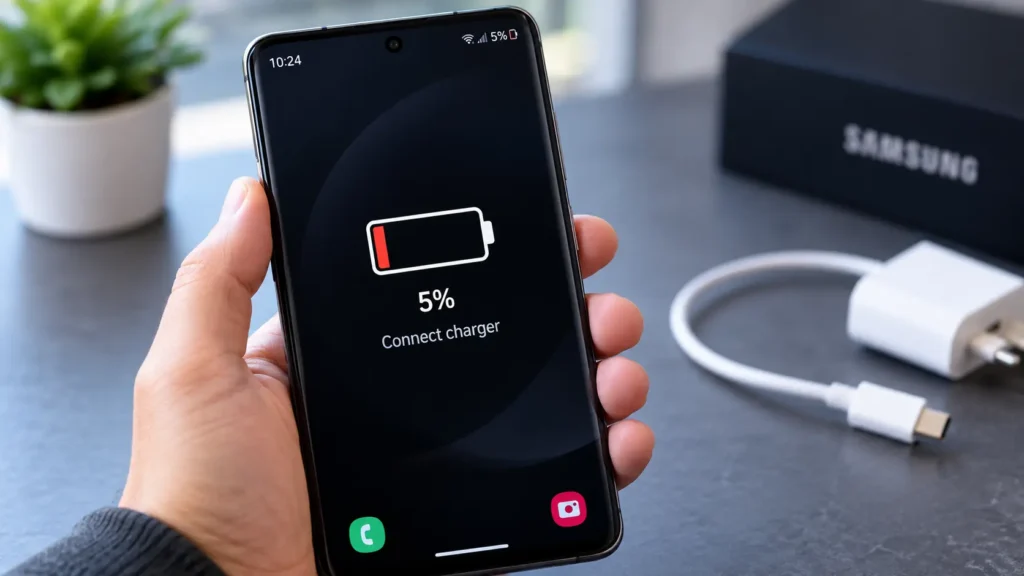
You charged it to 100% this morning, and by mid-afternoon it’s already flashing a low battery warning. A Samsung battery draining fast is one of the most common complaints we hear, and the cause ranges from a quick software fix to a battery that’s simply reached the end of its life.
Here’s how to figure out which one you’re dealing with.
Common Causes of a Samsung Battery Draining Fast
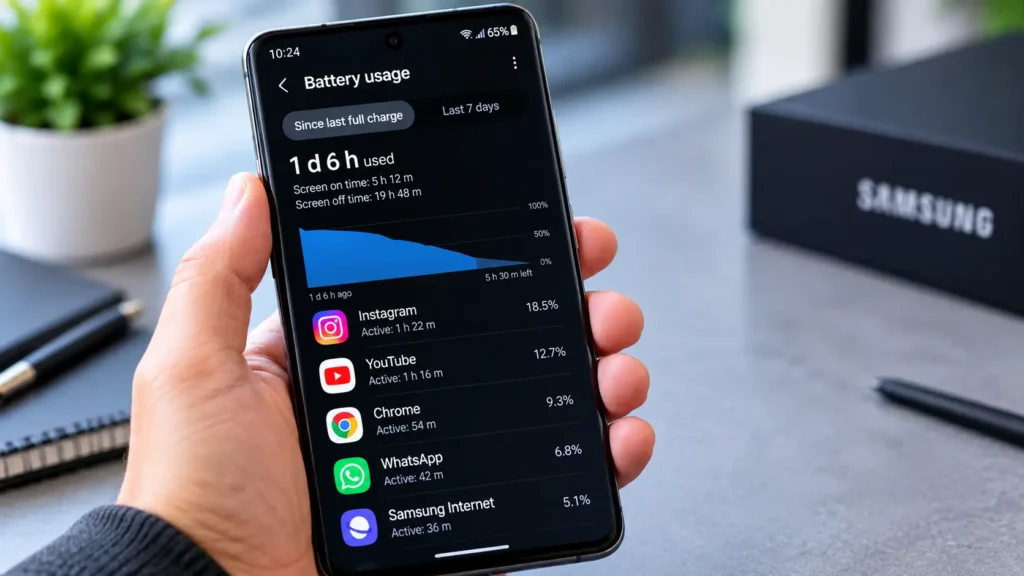
A Samsung battery draining fast usually comes down to one of these:
- Battery age and wear: Most Samsung batteries show noticeable capacity loss after 2-3 years of regular charging cycles
- Background app activity: Apps running location services, syncing, or push notifications constantly in the background
- Screen brightness and timeout settings: The display is typically the single largest battery consumer on any phone
- A recent software update: New Android/One UI versions occasionally introduce battery bugs that Samsung patches shortly after
- Weak cell signal: Your phone works harder to maintain connection in low-signal areas, draining battery faster than normal
- A failing battery: Physical degradation that no setting or app change will fix
Software-related causes are usually fixable yourself in minutes. A failing battery needs a professional replacement.
How to Check What’s Actually Draining Your Battery
Before assuming the worst, check exactly what’s using your battery:
- Go to Settings > Battery and device care > Battery
- Tap View details to see a breakdown by app
- Look for any single app using an unusually large share this often points to the actual culprit
- Check Background usage specifically, since apps you rarely open shouldn’t be draining much
If nothing obvious stands out and drain still feels excessive, the issue is more likely hardware than software.
Quick Fixes to Try First
Before booking a repair, a few adjustments solve a meaningful share of Samsung battery draining fast complaints:
- Lower screen brightness or enable adaptive brightness: often the single biggest quick win
- Reduce screen timeout to 30 seconds instead of 1-2 minutes
- Restrict background activity for apps you don’t need running constantly (Settings > Apps > [app] > Battery)
- Update your software: check Settings > Software update for a pending Samsung fix
- Restart your phone: clears temporary processes that can accumulate over days without a reboot
- Turn off location services for apps that don’t need constant GPS access
If you’ve tried these and drain is still noticeably faster than it used to be, the battery itself is likely the issue.
When It’s Time for a Battery Replacement
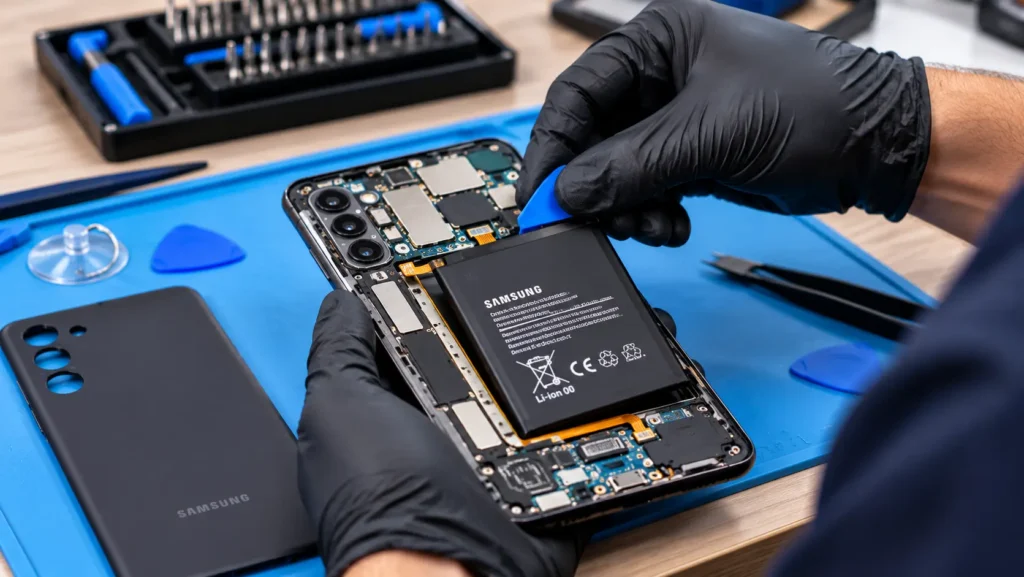
A few signs point clearly to battery wear rather than a software fix:
- The phone drains noticeably faster than it did a year ago, with the same usage habits
- It shuts down unexpectedly, even with charge remaining on the display
- The back of the phone feels warm or looks slightly swollen
- It only stays on while plugged into a charger
- Battery percentage drops suddenly (like from 30% to 5% in minutes)
Any of these mean software tweaks won’t solve a Samsung battery draining fast — the battery itself needs replacing. Book a free battery diagnostic and we’ll confirm exactly what’s going on before recommending anything.
Why Samsung Batteries Wear Out Faster for Some Users
Charging habits affect battery lifespan more than most people realize. Frequently charging from 0% to 100%, leaving the phone plugged in well past full charge overnight, or regularly using it in hot conditions (direct sun, a hot car) all accelerate wear. According to Samsung’s own battery care guidance, keeping charge between roughly 20-80% and avoiding extreme temperatures meaningfully extends battery lifespan over time.
What’s Included in Professional Battery Replacement
- ✅ Free diagnostic to confirm the battery is the actual cause before quoting anything
- ✅ Genuine or high-quality replacement batteries matched to your exact Samsung model
- ✅ Full testing after installation to confirm charging and drain rate are back to normal
- ✅ Same-day service for most common Samsung models
- ✅ 6-month warranty covering the part and the installation
See what other customers experienced with their Samsung repairs in our reviews.
Frequently Asked Questions
Sometimes, yes if the cause is a known bug rather than physical battery wear. Checking for a pending update is one of the first things worth trying.
Most show noticeable wear after 2-3 years of daily charging cycles, though usage habits and charging patterns affect this timeline.
In almost every case, yes. A battery replacement costs a small fraction of a new phone and restores the performance and battery life you remember from when it was new.
Often, yes, if the slowdown is tied to power management compensating for a weak battery. We diagnose this specifically during your visit.
Stop Guessing Get a Real Answer
A Samsung battery draining fast doesn’t always mean a full replacement, but it’s worth knowing for sure rather than living with a phone that can’t make it through the day. A quick diagnostic tells you exactly what’s going on and what it’ll take to fix it.
 Visit us in-store or book your battery diagnostic online most repairs completed same day.
  Not sure if it’s the battery or something else? Contact us we’ll help you figure it out.