Author name: Rizwan Karim

signs your laptop needs professional repair

Signs Your Laptop Needs Professional Repair (Don’t Wait Until It’s Too Late)

Your laptop doesn’t just die one day. It warns you first a slow boot, a fan that won’t stop screaming, a battery that drains in an hour. Most people ignore these signs until the screen goes black completely. By then, what could’ve been a simple fix often turns into a full replacement. Here’s how to […]

Signs Your Laptop Needs Professional Repair (Don’t Wait Until It’s Too Late) Read More »
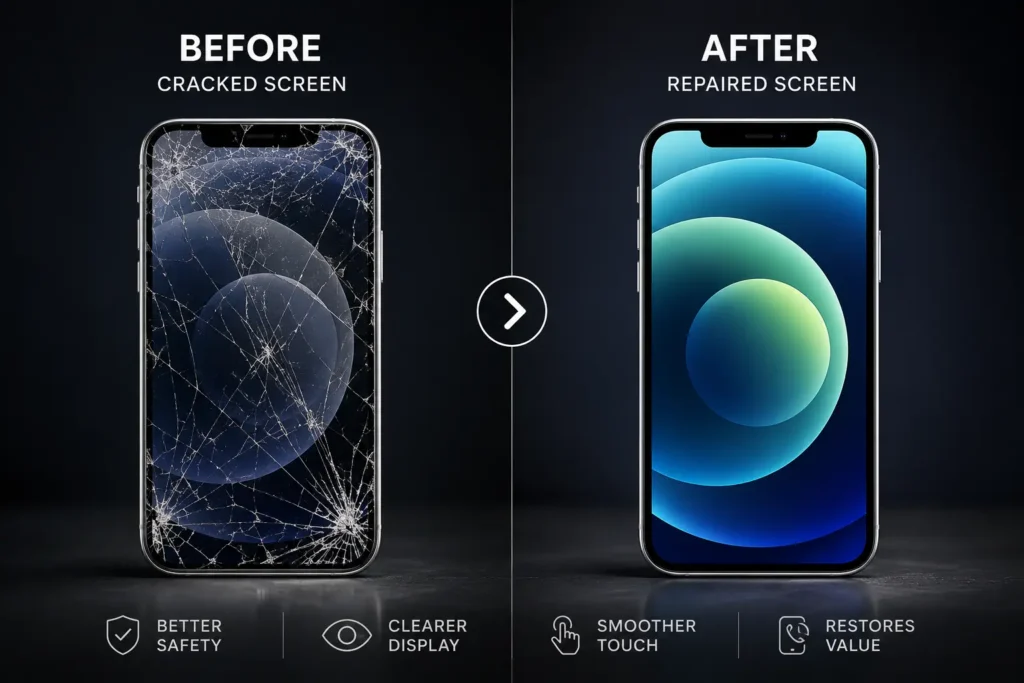
Cracked phone screen repair before and after

What Is Covered Under Phone Repair Warranty? (And Why It Should Be a Dealbreaker)

Cracked screen. Dead battery. Charging port that only works if you hold the cable at just the right angle. When your phone breaks, most people rush to find the fastest, cheapest fix nearby. But here’s the question they forget to ask first: what does your phone repair warranty actually cover if it breaks again? That

What Is Covered Under Phone Repair Warranty? (And Why It Should Be a Dealbreaker) Read More »

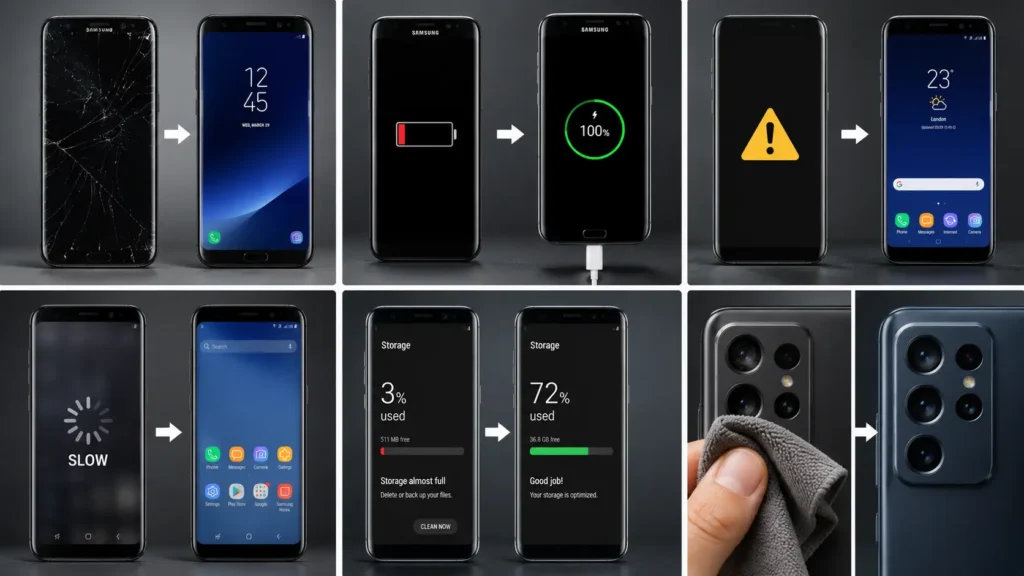
Smartphone maintenance checklist items laid out next to a phone and cleaning cloth

Ultimate Smartphone Maintenance Checklist

Introduction A smartphone maintenance checklist sounds like overkill. It isn’t. Small, regular habits protect your battery. They protect your storage, your security, and your screen too. Skip them, and problems creep in slowly. One day the phone just feels broken. This guide breaks maintenance into simple habits. Daily, weekly, monthly, and seasonal. None take more

Ultimate Smartphone Maintenance Checklist Read More »

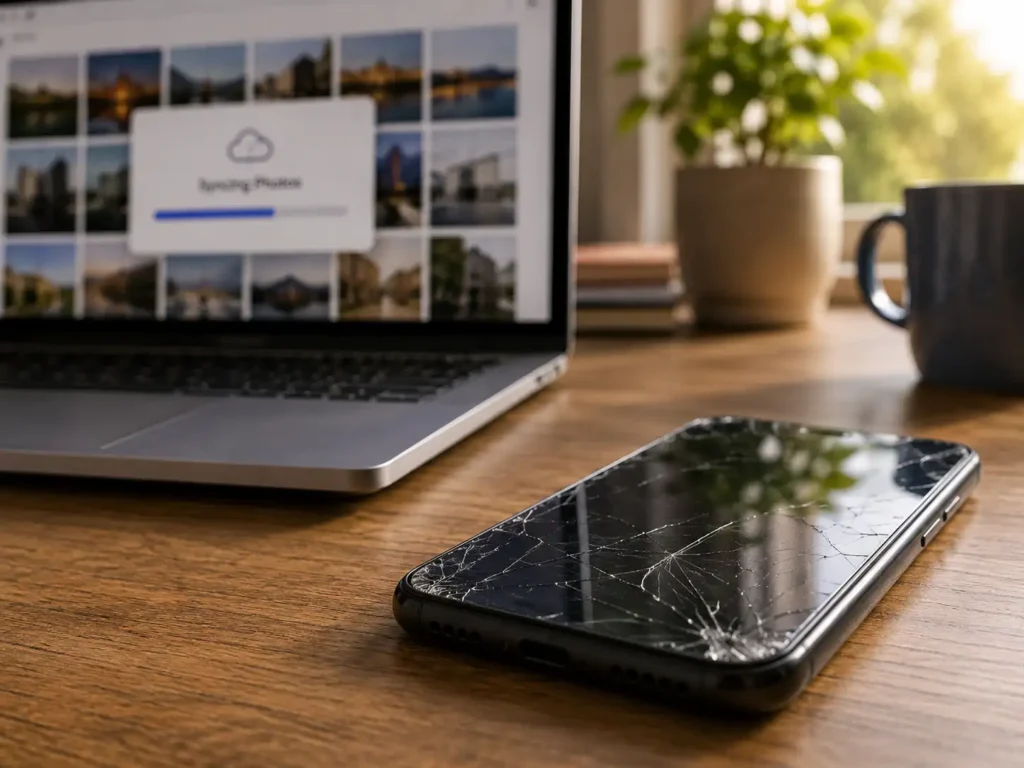
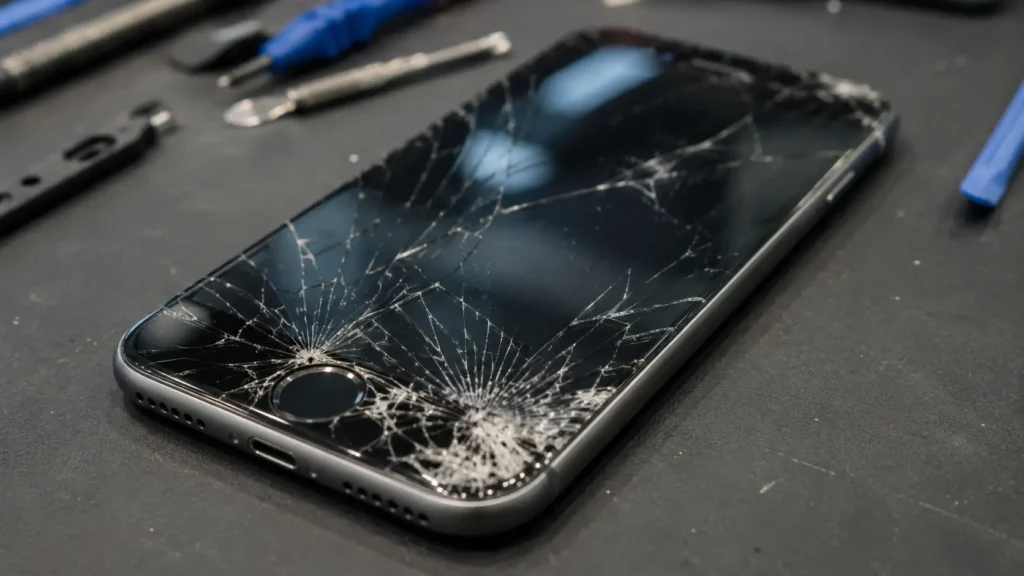
Recovering photos from a broken phone with a cracked screen next to a laptop

Recovering Photos From a Broken Phone: A Complete Guide

Introduction Recovering photos from a broken phone feels impossible at first. The screen is cracked. The phone won’t turn on. Maybe water got inside. Every photo you’ve ever taken suddenly feels out of reach. Take a breath first. Your photos likely still exist. They may sit on the phone’s storage chip. They may already live

Recovering Photos From a Broken Phone: A Complete Guide Read More »

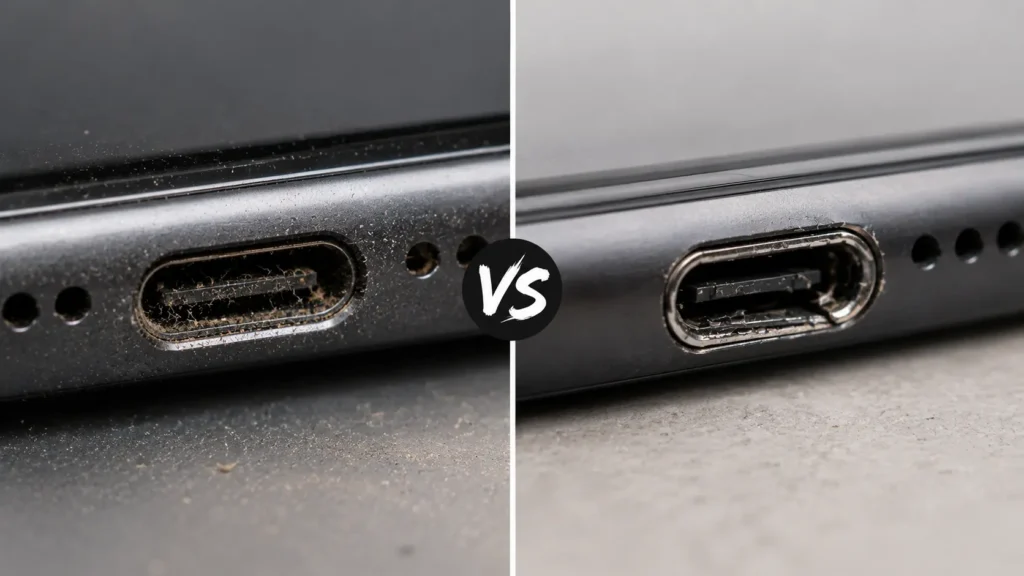
Dirty Charging Port vs. Damaged Charging Port: How to Tell the Difference

Dirty Charging Port vs. Damaged Charging Port: How to Tell the Difference

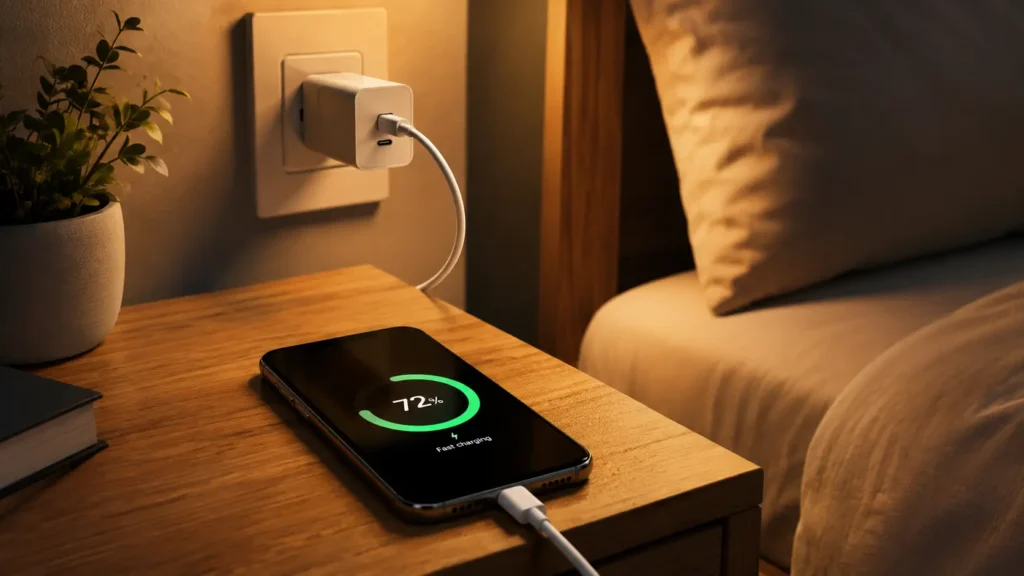
Introduction Dirty Charging Port vs. Damaged Charging Port: You plug your phone in before bed. Wake up, and the battery is still at 12%. Or maybe the cable only charges if you hold it at a strange angle. Or the charging icon flickers on and off like it can’t decide whether it’s actually connected. The

Dirty Charging Port vs. Damaged Charging Port: How to Tell the Difference Read More »