
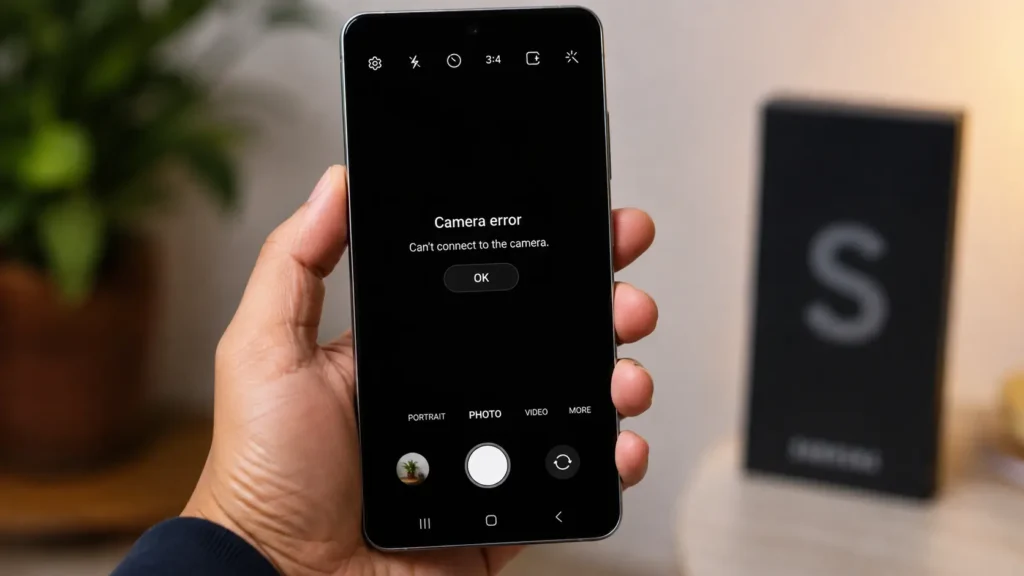
You open the camera app, and instead of a clear viewfinder, you get a black screen, an error message, or a crash back to your home screen. A Samsung camera not working is one of the most common issues we see, and it’s rarely as serious as it feels in the moment.
Here’s what typically causes it, what you can try yourself, and when it’s time to bring it in.
Common Reasons a Samsung Camera Stops Working
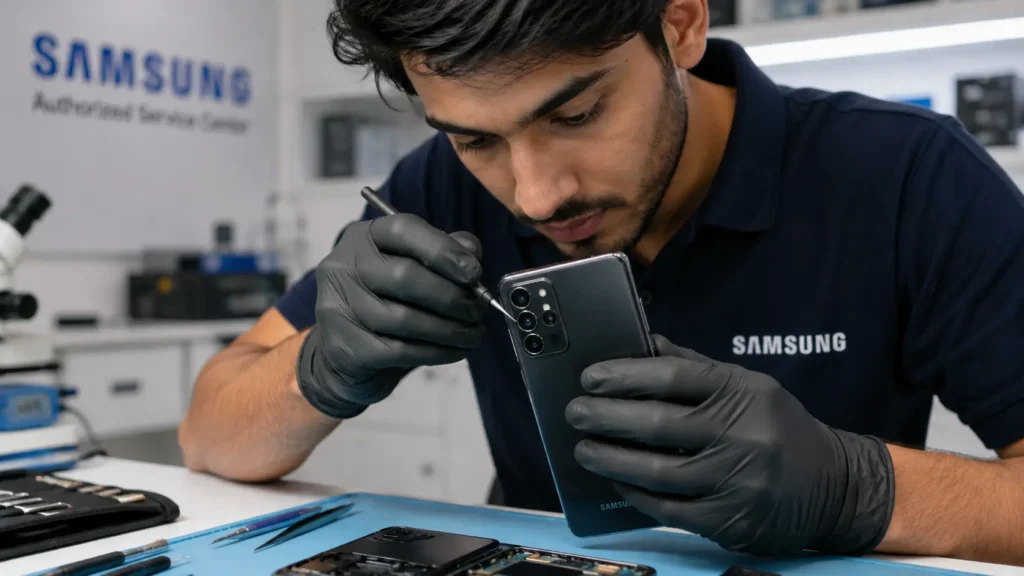
A Samsung camera not working usually traces back to one of these causes:
- Software glitch: A temporary bug in the camera app or a recent update conflicting with existing settings
- Storage full: The camera can’t save new photos or video, and some models throw an error instead of just failing silently
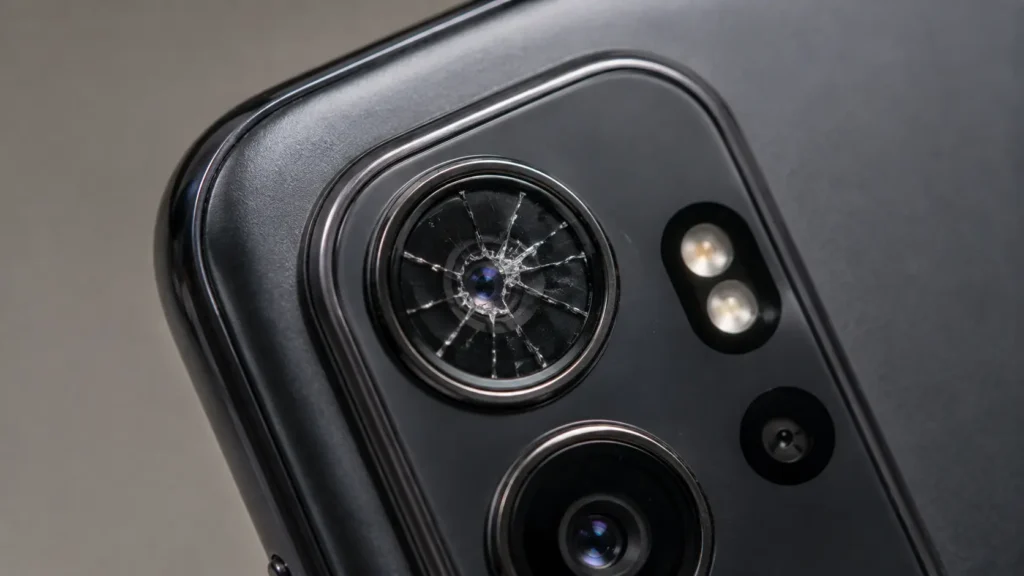
- Cracked or damaged lens: Physical damage to the camera glass, even a small crack, can distort or completely block the image
- Loose or damaged camera connector: Often the result of a drop, even one that didn’t crack the screen
- Water damage: Moisture reaching the camera module causes fogging, blurriness, or total failure
- Third-party app conflict: An app with camera permissions interfering with the default camera function
Most software-related causes are quick fixes. Physical damage almost always needs a professional repair.
Quick Fixes to Try Before You Bring It In
Before assuming the worst, a few things take two minutes and solve the issue surprisingly often:
- Restart your phone completely: this clears temporary software conflicts instantly.
- Check your storage: free up space if you’re near full capacity.
- Update the camera app: an outdated app version causes more camera issues than people expect.
- Clear the camera app’s cache: found in Settings > Apps > Camera > Storage.
- Check for a physical obstruction: a case, screen protector edge, or dust can block the lens without any visible crack.
If none of these fix it, the issue likely sits in hardware, not software and that’s where a professional diagnostic comes in.
When a Samsung Camera Not Working Means Hardware Damage
A few signs point clearly to hardware, not software:
- The camera worked fine until a drop or impact, then stopped
- You see a visible crack, fog, or moisture inside the lens
- The image is distorted, blurry, or shows dark spots that don’t move
- The camera app opens fine but the preview stays black or frozen
- The issue started after water exposure
We diagnose the exact cause before quoting anything, so you’re never paying to guess. Book a free camera diagnostic if a restart and cache clear didn’t fix it.
How We Repair a Samsung Camera Not Working
Camera repairs on Samsung devices typically involve replacing the camera module itself front, rear, or both, depending on which one failed. We test the new module thoroughly before handing your phone back, checking focus, exposure, and both photo and video function across lighting conditions.
Camera issues tied to water damage require a different approach entirely we check the surrounding components for corrosion first, since a camera module alone rarely tells the full story after liquid exposure. Learn more about what happens inside a water damaged phone if that’s what you’re dealing with.
Why DIY Camera Fixes Usually Backfire
Camera modules sit deep inside the phone, connected by fragile ribbon cables that damage easily during a DIY attempt. According to iFixit’s repair community guidance, camera and lens repairs rank among the more delicate phone repairs due to how tightly components are packed around the module. A failed DIY attempt often turns a simple camera module swap into a more expensive repair involving the connector or nearby components.
What’s Included in Professional Camera Repair
- ✅ Free diagnostic to confirm the exact cause before any cost is quoted
- ✅ Genuine or high-quality replacement camera modules
- ✅ Full testing across photo, video, and both front/rear cameras
- ✅ Same-day service for most common Samsung models
- ✅ 6-month warranty covering the repair and part
Frequently Asked Questions
Sometimes, yes if the cause is a bug rather than physical damage. Updating the camera app or the phone’s software resolves a meaningful share of camera issues on its own.
It depends on the model and whether it’s the front or rear camera. We quote this upfront after a free diagnostic, before any repair work begins.
Yes. Moisture can fog or damage the camera lens and sensor without affecting the rest of the phone’s function, at least initially.
Not directly, but a poorly fitted case or a screen protector that extends too far can partially block the lens, which looks identical to a hardware failure until you check it.
Get Your Camera Working Again
A Samsung camera not working doesn’t always mean expensive hardware damage but when it does, a professional repair gets you back to full function fast, without the risk of a failed DIY attempt.
 Visit us in-store or book your camera diagnostic online most repairs completed same day.
  Not sure if it’s software or hardware? Contact us we’ll help you figure it out before you bring it in.