
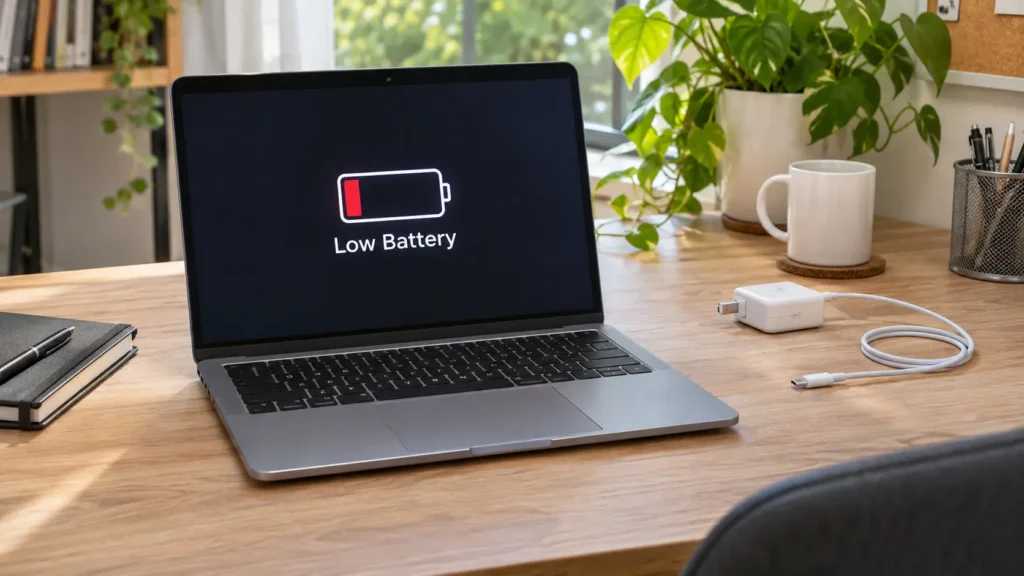
The short answer: a laptop battery replacement makes sense when your laptop dies fast, shuts off with charge left, only works plugged in, or the battery health report shows major wear. It usually costs far less than a new laptop, and most replacements finish within a day when we have your model’s battery in stock. If the case bulges or the trackpad lifts, stop using the laptop and bring it in right away.
Not sure the battery is the problem? Book a free laptop battery check and we’ll test it before you spend anything.
Signs You Need a Laptop Battery Replacement
Batteries wear out slowly, so the signs creep up on you. Watch for these:
- Short runtime. Your laptop lasts a fraction of what it used to on a full charge.
- Sudden shutdowns. It powers off at 20% or 40%, or the percentage jumps around.
- Plugged-in only. The laptop dies the moment you pull the charger.
- Won’t charge. The charge light acts oddly, or the battery sticks at one percentage.
- Heat. The underside runs hot even during light tasks.
- A “Service Battery” or “Service Recommended” warning in the system.
- Swelling. The trackpad lifts, the case bulges, or the laptop rocks on a flat surface.
If you see swelling, skip the rest of this list and read our guide on battery swelling. A swollen battery is a safety risk, and the laptop shouldn’t stay plugged in. For a wider checklist, see the signs your laptop needs professional repair.
How to Check Your Laptop Battery Health
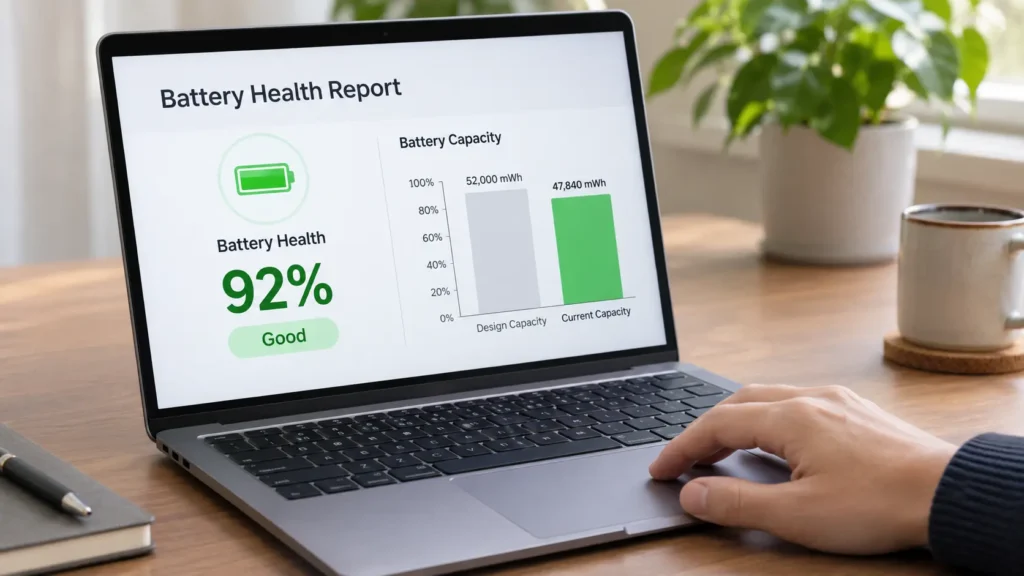
You can test the battery yourself in a few minutes.
On a Windows laptop:
- Right-click the Start button and open Terminal (Admin) or Command Prompt (Admin).
- Type
powercfg /batteryreportand press Enter. - Open the HTML file Windows saves, and look under Installed batteries.
- Compare Design Capacity (what the battery held when new) with Full Charge Capacity (what it holds now).
A large gap means the battery has lost capacity. Dell’s support guide on generating a battery report with powercfg explains each section and how to read it. Keep in mind that some gap is normal as batteries age, so use the numbers together with the symptoms above.
On a MacBook:
- Open System Settings > Battery.
- Check Battery Health, where macOS shows the maximum capacity and a service status.
- If it recommends service, or your runtime has dropped sharply, book a check.
Numbers can’t tell the whole story. A battery can look fine on paper and still shut the laptop off under load. Our diagnostic tests the battery, the charger, and the charging circuit together.
Is It the Battery or Something Else?
Several problems copy a dying battery. Before you pay for a laptop battery replacement, rule out these:
- A failing charger or cable. A frayed or loose charger mimics a battery that won’t charge.
- A damaged charging port. Wiggle sensitivity is a giveaway.
- Software draining power. A runaway app or a bad update can crush runtime.
- Overheating from dust. A clogged fan makes the laptop run hot and throttle.
- A failing board component. Rare, but it happens.
We test the battery first, and we tell you honestly if something else is the culprit. That keeps you from paying for a part you don’t need.
Laptop Battery Replacement: What to Expect From Start to Finish
- ✅ Free battery check that confirms whether the battery is the cause
- ✅ Clear quote before any work begins
- ✅ Battery matched to your exact model, not a generic guess
- ✅ Careful install by a trained technician, including cable and connector checks
- ✅ Full testing of charging, runtime behavior, and temperature
- ✅ Safe disposal of the old battery through proper channels
- ✅ 6-month warranty on the part and the install, with coverage details based on the repair type
Ready to get started? Book your laptop battery replacement and we’ll confirm timing for your model.
What Affects the Cost of a Laptop Battery Replacement
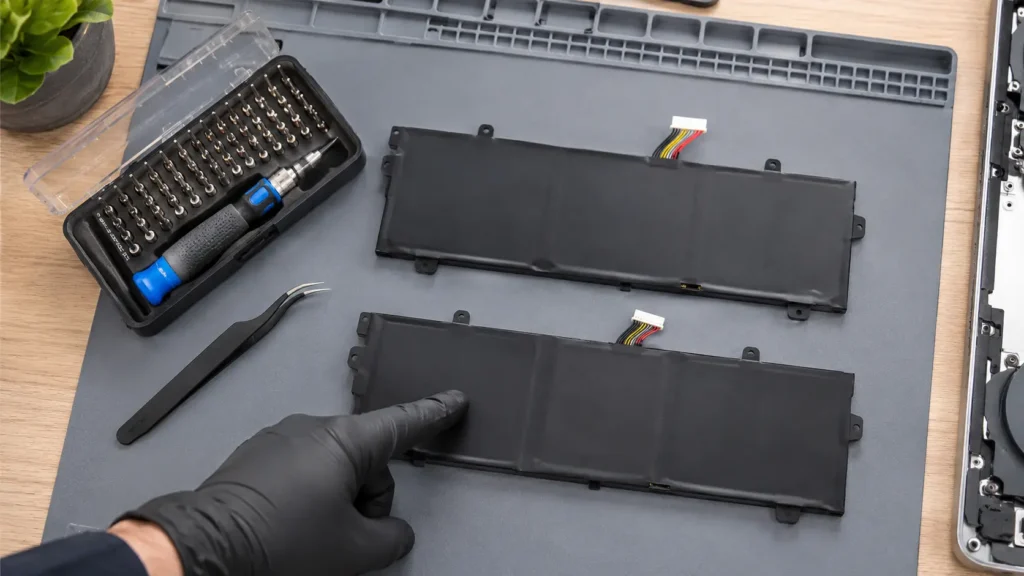
Prices vary a lot between models, so we quote each laptop individually. These factors move the price:
- Brand and model. Batteries for common Dell, HP, Lenovo, and ASUS models are widely available. Specialty and gaming laptops can cost more.
- MacBook generation. Many MacBooks secure the battery with strong adhesive, and some also need the top case area opened, which raises labor time.
- Part quality. A quality battery costs more than a bargain one, and it lasts longer and runs safer.
- Availability. In-stock batteries mean same-day service. Rarer ones need ordering.
- Extra damage. A swollen battery can warp the trackpad or case, which adds repair work.
We never guess on price. You see the exact number after the diagnostic, and you approve it before we start.
Removable vs. Built-In Batteries
Older laptops often had a battery you could pop out in seconds. Most modern laptops don’t. Today’s slim designs usually place the battery inside the case, held by screws, cables, and sometimes adhesive. That’s why a laptop battery replacement now takes proper tools and care.
If your laptop still has a removable pack, replacement is simpler, but the part still has to match your model. A wrong or counterfeit pack can charge poorly or overheat.
Why DIY Laptop Battery Replacement Gets Risky
A YouTube video makes it look easy. Real risks include:
- Puncturing the battery. Prying near the cells can start a fire.
- Tearing a ribbon cable that connects the trackpad, keyboard, or battery.
- Using a cheap counterfeit battery that overheats or fails early.
- Voiding your warranty or cracking the case.
- Skipping the diagnosis, so the real problem stays.
We cover the same logic for phones in our post on professional repair vs. DIY. With laptops, the batteries are bigger, so the stakes run higher.
Laptop Battery Replacement vs. Buying a New Laptop
If the rest of the laptop still performs well, replacing the battery nearly always beats buying new. You keep your files, your setup, and your software, and you skip a big purchase. A new battery can make an aging laptop feel useful again.
Replacement makes less sense when several parts are failing at once, or the laptop can’t run the software you need anymore. We give you a straight answer either way. For the full decision framework on Apple laptops, read our guide on whether MacBook repair is worth it. If your MacBook screen is also damaged, we cover that in our MacBook screen repair guide.
How to Make Your New Laptop Battery Last
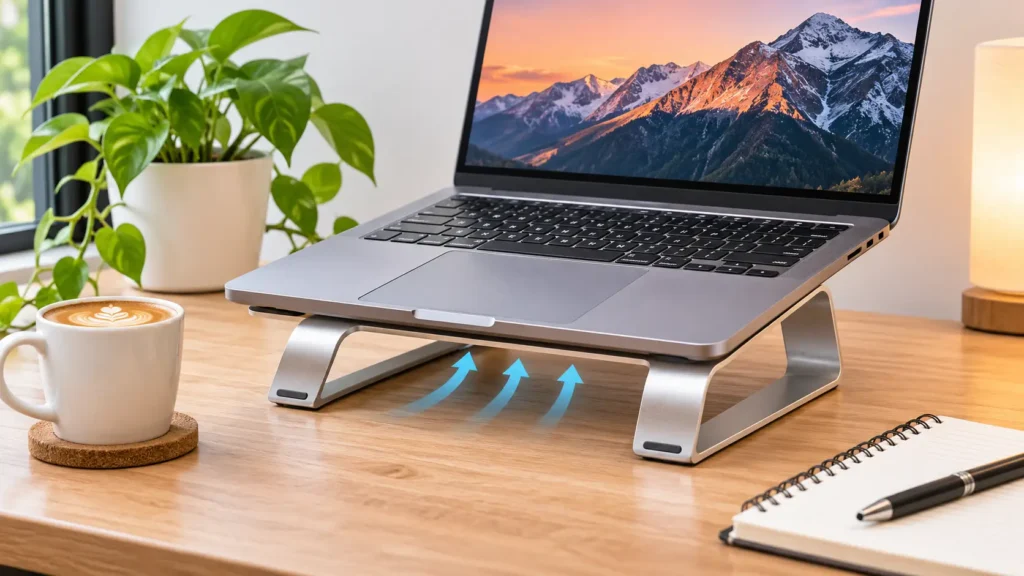
You can slow down wear with a few habits:
- Keep the laptop cool, and don’t block the vents on beds or blankets
- Avoid leaving it at 100% on the charger for weeks at a stretch
- Don’t let it sit at 0% for long periods
- Use the right charger for your model
- Clean the vents and fans once in a while
- Enable your laptop’s battery-care or charge-limit setting if it has one
- Store it at a moderate charge if you won’t use it for a while
Our guide to daily phone maintenance tips covers habits that apply to both phones and laptops.
When to Bring Your Laptop In Right Away
Don’t wait on any of these:
- The case bulges, or the trackpad lifts or clicks stiffly
- The laptop smells like chemicals or burning
- It shuts down suddenly and loses your work
- It overheats on the charger
- The battery drops from a high percentage to nothing in minutes
- The laptop won’t turn on without the charger, and the charger feels hot
A battery problem that starts small can damage the laptop’s case, trackpad, or board if you ignore it.
Laptop Battery Replacement in Raleigh and Mebane
Raleigh customers can visit Quick Phone Repair on Leland Drive or Rock Quarry Road, and Mebane customers can visit Phone Expert on Mebane Oaks Road. Laptop batteries vary by model, so check our locations and contact us with your make and model. We’ll confirm the battery is in stock before you arrive.
Frequently Asked Questions About Laptop Battery Replacement
Get clear answers about battery problems, replacement costs, repair times, and warranties at Quick Phone Repair & Designs in Raleigh, NC.
How do I know if my laptop needs a new battery?
Short runtime, sudden shutdowns, a laptop that only works plugged in, and a health report showing low capacity all point to a worn battery. A free check confirms it.
How long does a laptop battery replacement take?
Many replacements finish the same day when we have your model's battery in stock. Rarer models take longer, and we give you a timeline when you book.
How much does a laptop battery replacement cost?
It depends on your model, the battery type, and the labor involved. We quote an exact price after a free diagnostic, before any work begins.
How long does a laptop battery last?
It varies with age, heat, and usage. Many laptop batteries show clear wear after a few years of regular use.
Is a swollen laptop battery dangerous?
Yes. Stop using the laptop, unplug it, and bring it in. Don't press on the bulge or try to pry it out.
Can I keep using my laptop while plugged in without a battery?
Some laptops run on the charger alone, but many won't, and a failing battery can still cause trouble. Have it checked rather than guessing.
Do you replace MacBook batteries?
Yes, subject to model availability. Tell us your MacBook year and size when you book.
Will a new battery fix my slow laptop?
Sometimes. If slowdowns come from power throttling on a weak battery, a new one helps. If the slowdown comes from storage, memory, or software, we tell you honestly.
Will I lose my files during a battery replacement?
A battery replacement normally doesn't affect your storage or files. We still recommend a backup before any repair.
Do you offer a warranty on laptop battery replacement?
Yes. Every repair carries our 6-month warranty, with coverage based on the repair type.
Give Your Laptop Its Battery Life Back
A worn battery chains you to the nearest outlet, and a failing one can put your laptop at risk. A quick check tells you exactly what’s wrong and what it takes to fix it.
📍 Visit us in-store or book your laptop battery check online today. Many replacements finish the same day. 📞 Not sure if it’s the battery? Contact us with your laptop’s make and model, and we’ll point you in the right direction.