
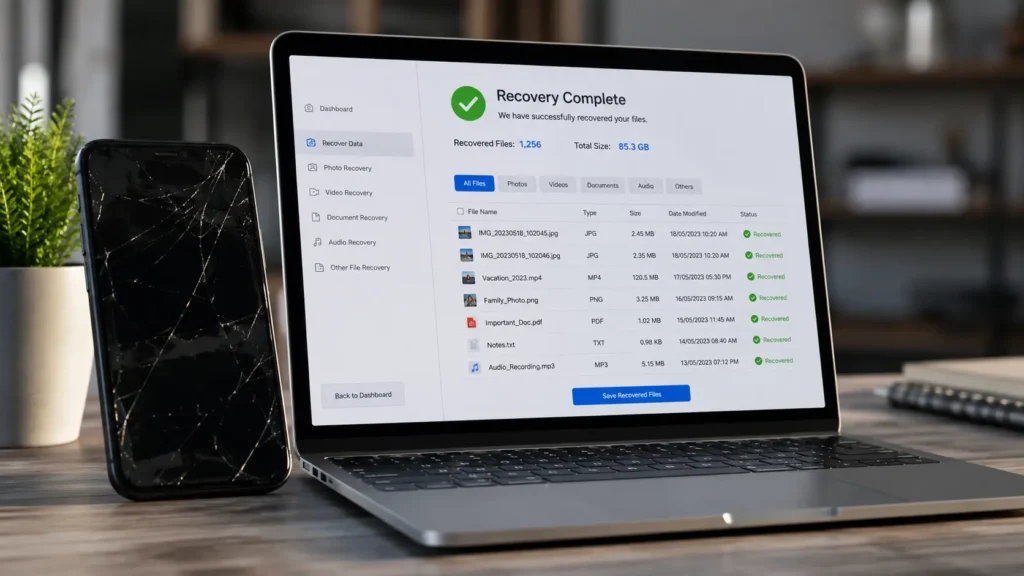
Your phone won’t turn on, or it just took a swim, and suddenly the broken screen isn’t even the scary part it’s the photos, contacts, and messages you never backed up. Phone data recovery sounds like a long shot, but in most cases, your data survives even when your phone doesn’t.
Here’s what actually determines whether phone data recovery works, what to do before you bring your device in, and how professionals pull data off devices that look completely dead.
Can Data Be Recovered from a Dead Phone?
In most cases, yes. A phone that won’t turn on usually has a failed screen, battery, or logic board component but the storage chip holding your photos, contacts, and files often survives completely intact. Phone data recovery targets that storage directly, bypassing the broken part entirely.
The exceptions are severe physical damage to the storage chip itself or advanced encryption locking data behind a passcode we can’t bypass. Outside of those edge cases, a dead phone is rarely a dead end for your data.
We run a diagnostic first to check exactly what’s recoverable before quoting any repair or recovery work. Book a diagnostic if your phone won’t turn on.
Data Recovery After Water Damage
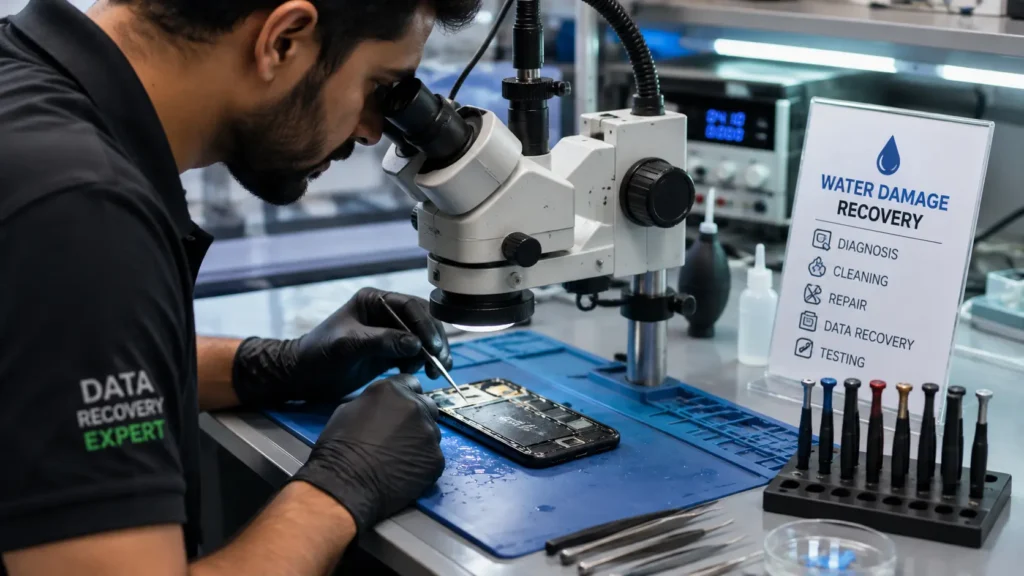
Water damage adds urgency to phone data recovery because corrosion spreads over hours and days, not instantly. The faster you act, the better your odds powering off the phone immediately and avoiding a charge attempt genuinely changes recovery outcomes.
We remove the storage component directly when the main board has failed from corrosion, then extract your data using specialized tools rather than relying on the phone to boot normally. This approach works even when the phone itself is beyond repair, because we’re not trying to fix the phone we’re going straight for the data. Learn more about what actually happens inside a water damaged phone and why speed matters so much here.
Backup Tips Before Phone Repair
Phone data recovery exists as a safety net, but a solid backup habit means you rarely need it. Before you bring your phone in for any repair cracked screen, battery replacement, or anything else, a few habits protect you:
- Turn on automatic cloud backup (iCloud or Google Photos/Drive) and confirm it’s actually running, not just enabled
- Check your last backup timestamp before dropping off your phone “enabled” doesn’t always mean “current”
- Export contacts separately if you’re not confident your backup covers them
- Note down your passcode if you want us to verify functionality after the repair
- Back up before the problem happens, not after once a phone won’t turn on, backup options narrow significantly
Good backup habits turn phone data recovery from an emergency into a non-issue. For a deeper look at daily habits that protect your device long-term, see our daily phone maintenance guide.
How Professionals Recover Lost Data
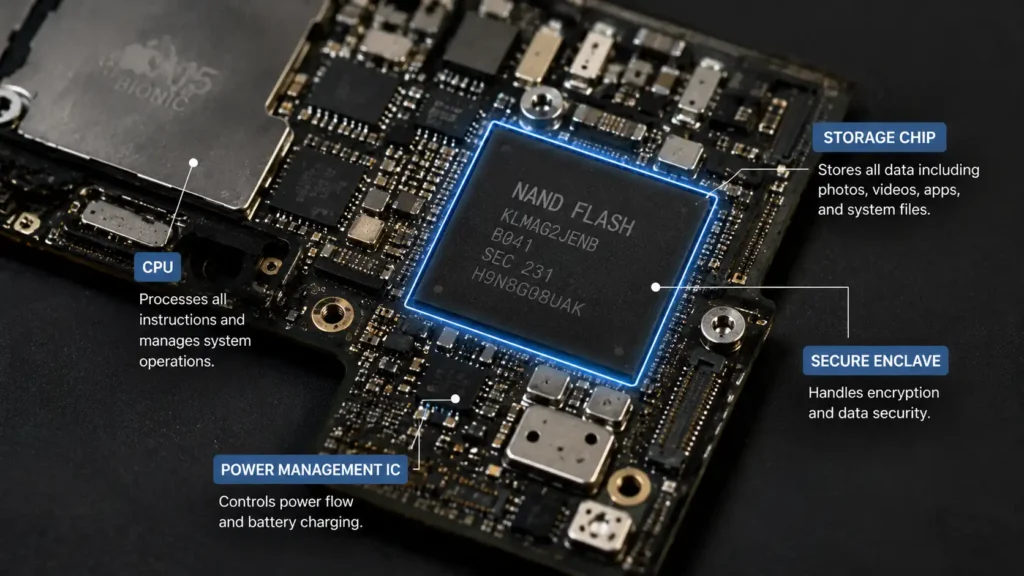
Professional phone data recovery goes well beyond plugging a phone into a computer and hoping it boots. Our process typically includes:
- Diagnostic assessment: identifying exactly why the phone won’t power on or function normally
- Component-level inspection: checking whether the storage chip itself survived, independent of other failed parts
- Direct data extraction: pulling data straight from the storage component when the phone can’t boot normally
- Data verification: confirming photos, contacts, and files are intact and accessible before handing anything back
- Secure transfer: moving recovered data to a new device or external storage, based on what you need
This is meaningfully different from consumer recovery software, which typically requires a working, bootable device to function at all exactly the situation you don’t have when a phone is dead or water damaged. According to TechRadar’s data recovery overview, professional hardware-level recovery consistently outperforms software-only tools for physically damaged devices.
When Phone Data Recovery Isn’t Possible
Full transparency: phone data recovery has limits. Severe physical destruction of the storage chip (extreme heat, crushing, or advanced corrosion left untreated for weeks) can make data unrecoverable. We always run a real diagnostic and give you an honest answer rather than promising results we can’t guarantee.
Frequently Asked Questions
It depends on the extent of damage and what’s involved in extraction. We quote recovery separately from repair, so you know the cost before committing to either.
Yes. Phone data recovery and phone repair are separate services we can often pull your data even if you decide not to repair the device itself.
Straightforward cases (dead battery, broken screen, working storage) are often same-day. Water damage or severe corrosion cases can take longer due to the extraction process involved.
Yes. We handle your device and data with the same care and confidentiality as any repair, and recovered data is transferred securely to you directly.
Don’t Assume Your Data Is Gone
A broken or water-damaged phone feels like a disaster, but phone data recovery succeeds far more often than people expect especially when you act quickly and avoid the common mistakes that make things worse.
📍 Visit us in-store or book a data recovery diagnostic online most assessments completed same day. 📞 Not sure if your data can be saved? Contact us we’ll give you an honest answer before you decide anything.
That was amazing