
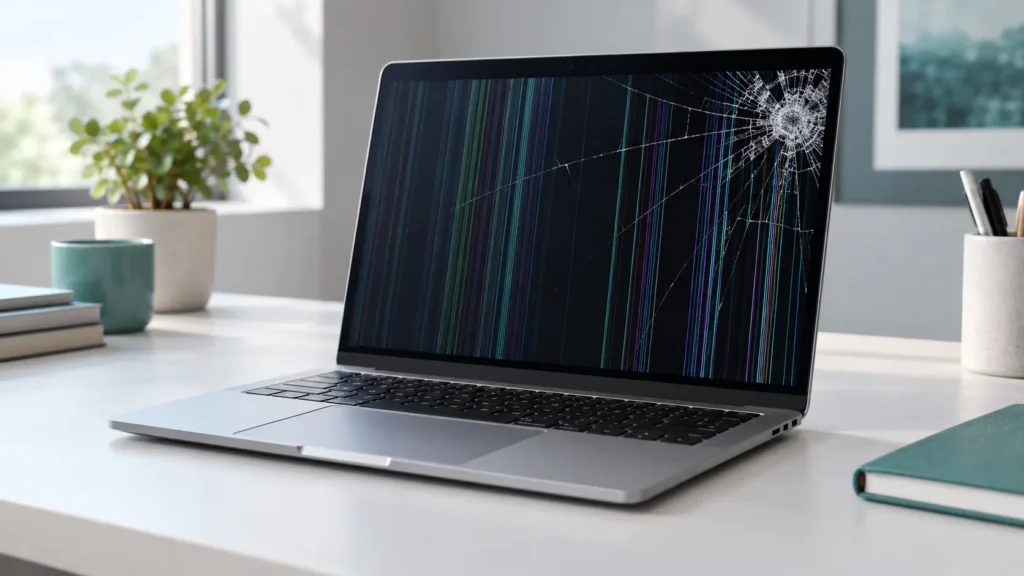
The short answer: MacBook screen repair means replacing the damaged display assembly, and most repairs take from the same day to 48 hours depending on your model and part availability. The price depends on your MacBook’s model and year, and the kind of damage. A free diagnostic gives you the exact number before any work starts.
Cracked glass, vertical lines, black patches, or a flickering display all point to the same fix. Stop pressing on the damage, and book a free MacBook screen diagnostic so you know your options today.
What Counts as MacBook Screen Damage?
Not every display problem looks like a shattered screen. Watch for these signs:
- Visible cracks or spiderwebbing in the glass
- Vertical or horizontal lines running across the display
- Black spots, dark patches, or “ink” bleeding from one corner
- Flickering or a dim display that gets worse when you move the lid
- A screen that stays black even though the MacBook powers on and chimes
- Pressure marks or bright spots from something closed inside the lid
- Backlight problems where the image is faint and only visible under a flashlight
Crack damage and pressure damage often spread. A line today can turn into a dead panel next week, especially if you keep opening and closing the lid.
Why MacBook Screen Repair Costs What It Does
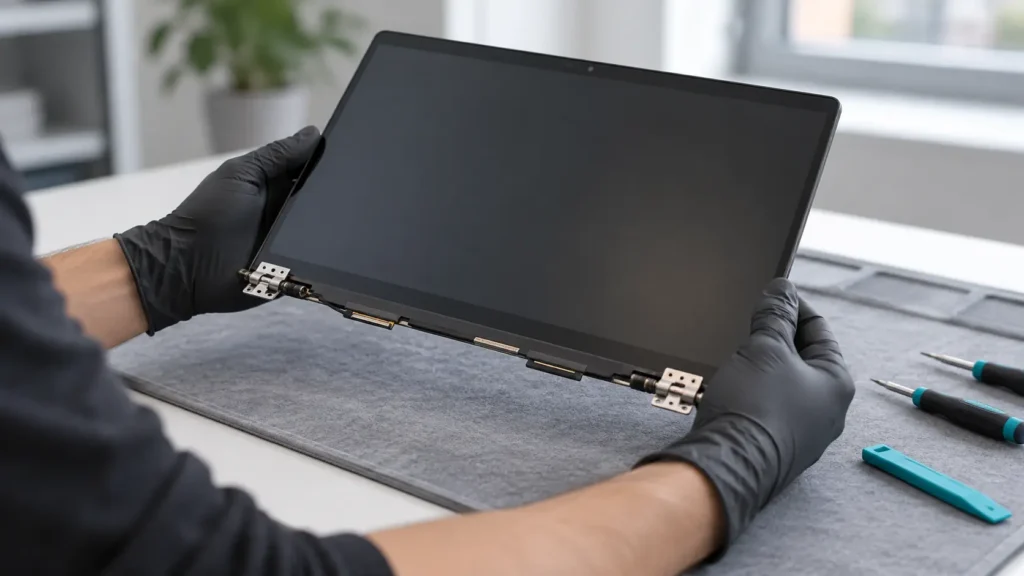
On most modern MacBooks, the display ships as one sealed lid assembly, so a small crack can still mean replacing the whole unit. That’s why MacBook screen repair costs more than a typical phone screen. These factors set your price:
- Model and year. A MacBook Air, a MacBook Pro, and the different screen sizes all use different assemblies.
- Display type. Retina and newer Liquid Retina panels cost more to source than older screens.
- Extent of damage. A cracked panel is simpler than a crack that also hit the hinge, cable, or backlight.
- Part availability. Common models usually have parts on hand. Rarer ones can take a day or two longer.
- Hidden damage. Pressure or a drop that cracked the screen can also bend the frame or hurt other parts.
We diagnose first and quote second. You’ll see a clear price, and you’ll decide before we open anything.
How Long Does MacBook Screen Repair Take?
Most repairs finish the same day to within 48 hours when we have the part. Mail-in service through a manufacturer can take considerably longer, and you’d be without your laptop the whole time. A local repair keeps you working. Ask when you book your appointment, and we’ll confirm the timeline for your exact model.
Apple Service vs. Independent MacBook Screen Repair
You have three real options. Here’s how they compare:

| Factor | Apple / Authorized Service | Independent Shop (Us) | DIY Kit |
|---|---|---|---|
| Free diagnostic | Often | Yes | No |
| Typical turnaround | Varies by location and parts | Same day to 48 hours | Hours, if nothing goes wrong |
| Price | Usually higher | Usually lower | Cheapest upfront |
| Risk of added damage | Low | Low | High |
| Warranty on repair | Apple states a 90-day repair guarantee, or the remaining Apple warranty if longer | 6 months | None |
| Data stays on the Mac | Yes, but back up first | Yes, but back up first | Yes |
If your MacBook is still under warranty or AppleCare, check your coverage first. Apple’s own guide shows how to check your Mac’s service and coverage status from About This Mac. If coverage ended, an independent repair usually saves money without a long wait. Wondering whether a repair makes sense on an older model? Read our post on whether repairing a MacBook is worth it.
Why DIY MacBook Screen Repair Backfires
The display connects through delicate cables and sits under adhesive and, on many models, tight hinge parts. One slip can tear a cable, crack the new screen, or damage the backlight. DIY kits also vary wildly in part quality, and a cheap panel can show dull color, dead pixels, or poor brightness.
If a DIY attempt already went sideways, bring the laptop in right away. Learn more in our guide on why professional phone repair beats DIY. The same logic applies to laptops, and often with higher stakes.
What You Get With Our MacBook Screen Repair
- ✅ Free diagnostic that finds the real cause, not just the visible crack
- ✅ Upfront quote before any work begins
- ✅ Quality replacement display matched to your exact model
- ✅ Full testing of brightness, color, touch of the trackpad, camera, and lid sensors
- ✅ Fast turnaround, most repairs from same day to 48 hours
- ✅ 6-month warranty with coverage details based on the repair type
Get your free MacBook screen quote and we’ll tell you honestly whether repair makes sense for your model.
Protect Your Data Before the Repair
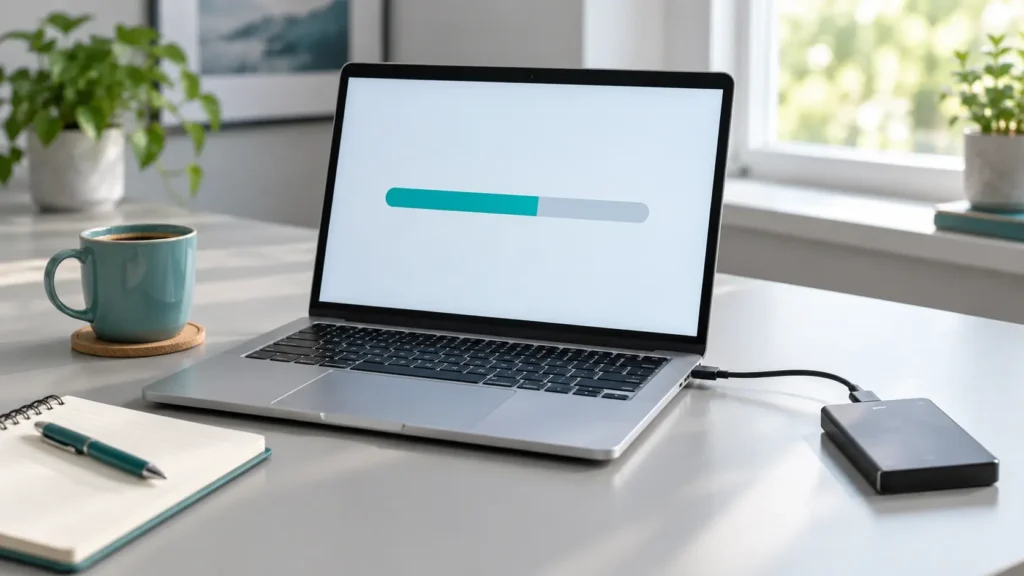
A screen repair doesn’t touch your files, but a backup protects you from the unexpected. Before you drop the laptop off:
- Run Time Machine or copy key files to an external drive or cloud storage
- Confirm iCloud shows a recent sync
- Write down your login password if you want us to test the repaired display fully
- Turn off Find My Mac only if we ask you to
If your display is too damaged to see anything, connect an external monitor to confirm your files are still safe. We can also help. See our guide on phone data recovery for how professional recovery works.
How to Prevent Another MacBook Screen Repair
Most MacBook screens break from pressure, not drops. A few habits help:
- Never slide anything thicker than a sheet of paper between the keys and the screen, and keep webcam covers thin
- Don’t carry the laptop by the lid corner
- Use a padded sleeve, and don’t pack heavy items on top of it in a bag
- Close the lid gently, and check the keyboard for stray items first
- Keep liquids away from the hinge and keyboard
When to Stop Using Your MacBook and Bring It In
Don’t wait on any of these:
- Loose glass or sharp edges
- Lines or black patches that grow when you open the lid
- A display that flickers or goes dark when you move the hinge
- Liquid spread across the screen or a dark patch that keeps expanding
- A bulge in the lid or the case, which can signal a swelling battery. Read our guide on battery swelling if you notice this.
Continued use spreads the damage, and cracked glass can cut your hands.
MacBook Screen Repair in Raleigh and Mebane
We serve laptop customers across the Triangle and Triad areas. Raleigh customers can visit Quick Phone Repair on Leland Drive or Rock Quarry Road, and Mebane customers can visit Phone Expert on Mebane Oaks Road. Check our locations and contact us to confirm the closest store has your model’s display ready before you visit.
Frequently Asked Questions About MacBook Screen Repair
It depends on your model, display type, and the damage. We give you a firm quote after a free diagnostic, before any repair begins.
Most repairs take from the same day to 48 hours when the part is in stock. We confirm the timeline when you book.
On most modern MacBooks, no. The display ships as a sealed assembly, so we replace the full unit.
Toggle Content
No. A screen repair doesn’t touch your storage, but we still recommend a backup beforehand.
Often, yes, especially if the rest of the laptop runs well. We give you an honest recommendation, even if that means replacement makes more sense. See our post on repairing a MacBook for the full math.
Sometimes. Liquid usually reaches other parts too, so we diagnose the whole machine before quoting. Learn what happens inside in our guide to a water damaged phone, since laptops face the same corrosion risks.
Walk-ins are welcome. Booking ahead guarantees a technician is ready when you arrive.
Get Your MacBook Screen Fixed the Right Way
A damaged display only gets worse the longer you use it. A quick diagnostic tells you exactly what’s wrong, what it costs, and when you can have your MacBook back.
📍 Visit us in-store or book your free MacBook screen diagnostic online today. Most repairs finish from the same day to 48 hours. 📞 Not sure which location handles your model? Contact us and we’ll point you to the right store.