
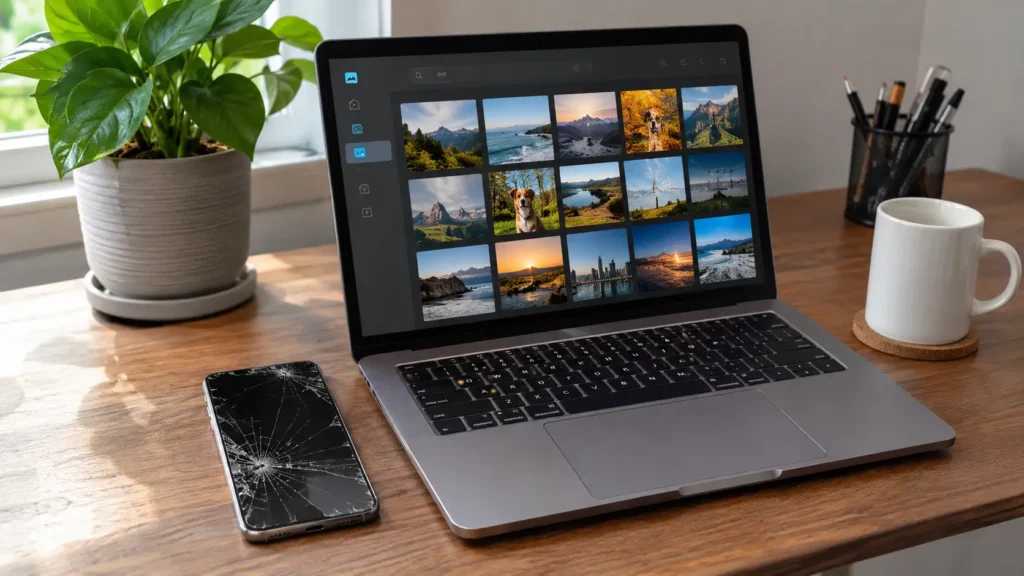
The short answer: you can often recover data from a broken iPhone, and your best odds come from checking backups first, then fixing the phone enough to unlock it. Check iCloud and your computer for backups. If neither has what you need, a technician can repair the damaged part so the phone turns on, then pull your photos and files off it. Don’t erase, reset, or restore the broken phone until your data is safe.
Not sure where to start? Book a free data recovery diagnostic and we’ll tell you what’s realistic for your phone before you spend anything.
[IMAGE 1: Broken iPhone with a shattered screen next to a laptop showing a photo library] Alt text: “Recovering data from a broken iPhone”
First, Do These 5 Things (and Avoid These 3 Mistakes)
Your first moves protect your odds. Do this:
- Stop using the phone if it’s cracked, wet, or swollen.
- Don’t charge it if it got wet or the back is bulging.
- Find your passcode and Apple Account password. You’ll need both.
- Write down what you need most: photos, messages, contacts, notes, or work files.
- Check what you already have backed up using the steps below.
Avoid these mistakes:
- Don’t factory reset or “restore” the broken phone. That erases the data you’re trying to save.
- Don’t keep guessing the passcode. Too many wrong tries can lock the phone or erase it.
- Don’t try to open the phone yourself. One slip can damage the board or the battery. Our post on professional repair vs. DIY explains why.
Method 1: Check iCloud (Fastest, No Phone Needed)
If iCloud Photos, Messages, Contacts, or Notes were on, your data may already sit safely in the cloud.
- On any computer, sign in to iCloud.com with your Apple Account.
- Open Photos and check that your recent pictures appear.
- Check Contacts, Notes, and Files for anything you need.
- Download what you want to keep.
You can also check for a full iCloud backup. If one exists, you can restore it onto a replacement iPhone during setup. Apple’s restore from backup guide walks through both the iCloud and computer methods. Keep in mind that restoring a full iCloud backup requires setting up a new or erased iPhone, so don’t use the broken phone for this.
Method 2: Check Your Computer for a Backup
If you ever plugged your iPhone into a Mac or PC, you may have a local backup.
- On a Mac: open Finder, select your iPhone, and look under Backups.
- On a Windows PC: open the Apple Devices app, or iTunes on older setups.
If a recent backup exists, you can restore it to a new iPhone. Check the backup’s date first. A backup from last month won’t include last week’s photos.
Method 3: Connect the Broken iPhone to a Computer
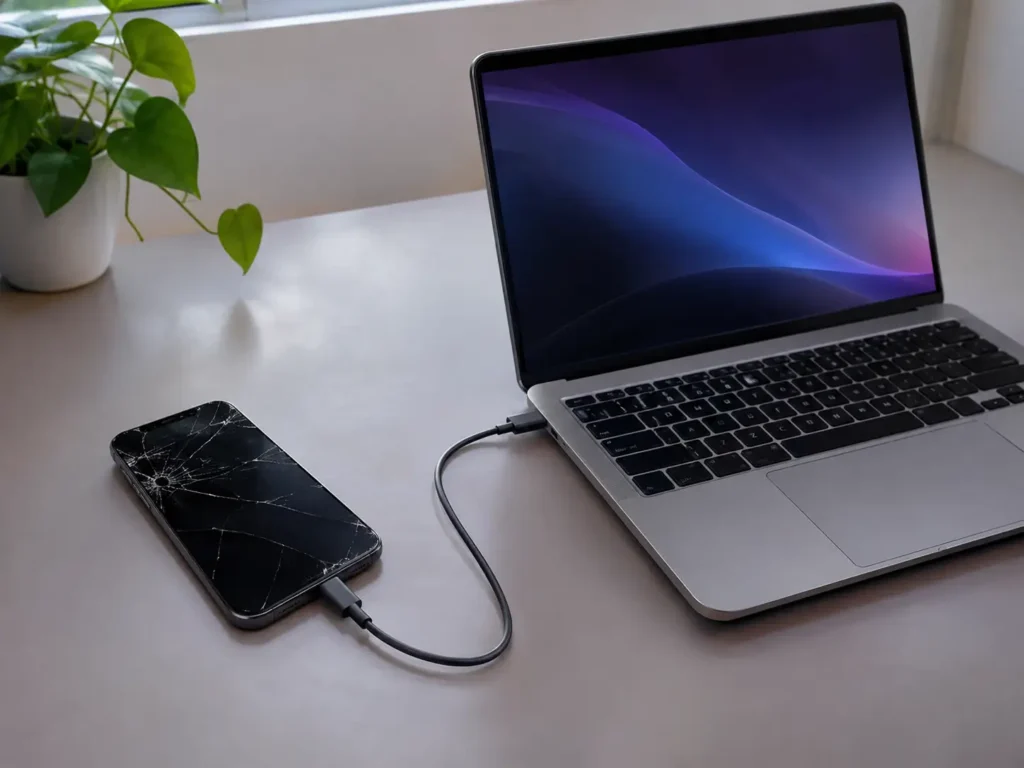
If the iPhone still powers on but the screen is cracked or unresponsive, a computer may still see it.
- Connect the phone with a good cable.
- Open Finder, the Apple Devices app, or iTunes.
- If the computer was trusted before, it may recognize the phone without a tap.
- If a “Trust This Computer” prompt appears and you can’t tap it, this method stops here.
If the screen works but the touch doesn’t, a screen repair often fixes the problem in under a day and gives you full access again. Sometimes that’s the cheapest data recovery there is.
Method 4: Fix the Part That Broke, Then Back Up
Many “broken” iPhones aren’t beyond repair. They have one failed part. Matching the repair to the symptom gets you into the phone:
| Symptom | Likely Fix | Data Recovery Outlook |
|---|---|---|
| Cracked screen, phone still on | Screen replacement | Excellent. Data stays untouched. |
| Black screen but phone vibrates or chimes | Display or connector repair | Good. |
| Won't turn on, battery dead or swollen | Battery replacement | Good, if the board is healthy. |
| Won't charge | Charging port repair | Good. |
| Water damage | Cleaning and board repair | Varies. Act fast. |
| Dead after a hard drop | Board-level diagnosis | Varies. |
After the repair, we help you back up right away so you don’t face this again. Not sure whether a repair beats replacing the phone? Read our guide on whether to repair or replace your iPhone.
Method 5: Professional Data Recovery for Water or Board Damage
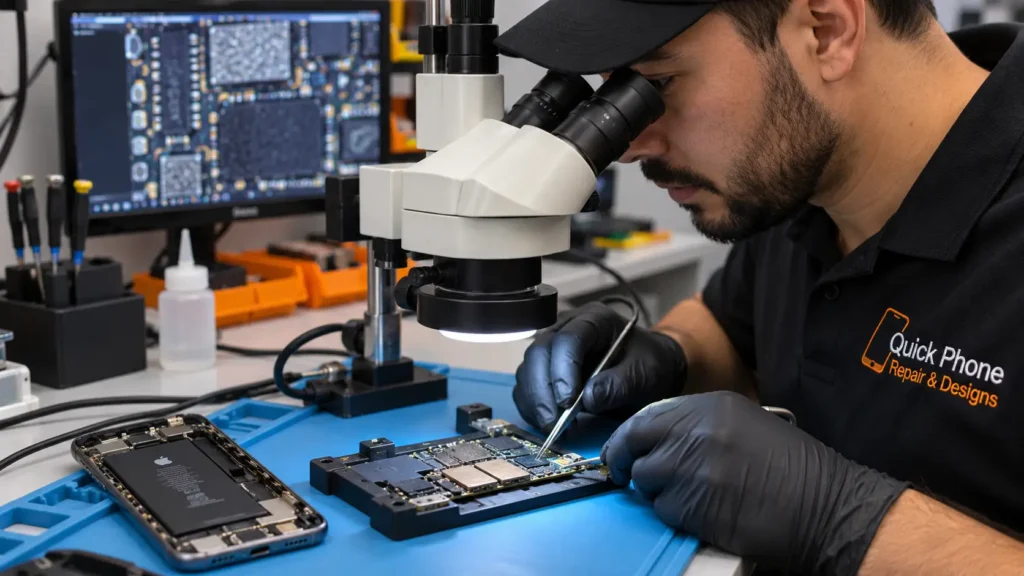
Severe damage needs a technician. An important detail: modern iPhones encrypt their storage, and the encryption keys live in the phone’s own hardware. So pulling the storage chip out of a dead iPhone usually doesn’t give you readable files. For an iPhone, recovery generally means repairing the phone enough to start up and unlock, then copying your data off.
Our process looks like this:
- Diagnose the failure, including a board inspection for corrosion or a short.
- Stabilize the phone, repairing or replacing the failed part where possible.
- Power it up and unlock it with your passcode.
- Copy your data to a new phone, a computer, or cloud storage.
- Confirm that your photos, contacts, and files open correctly.
Recovery isn’t guaranteed. Heavy corrosion or a destroyed board can end the process, and we tell you honestly before charging for deeper work. For water damage, speed matters most. See what happens inside a water damaged phone, and skip the rice. Our rice vs. professional repair post explains why.
What You’ll Need to Bring
- The broken iPhone, powered off if it got wet
- Your passcode, which recovery usually requires
- Your Apple Account details, in case Activation Lock or backups come up
- A list of what matters most: photos, messages, work files
- A new phone or a computer, if you want your data moved straight over
What We Can and Can’t Promise
We’d rather you hear this from us first:
- We can often recover data when the phone can be repaired enough to start.
- We can’t bypass your passcode or Apple Account. Nobody legitimately can.
- We can’t guarantee results on severely corroded or crushed boards.
- We tell you before you commit. Our diagnostic is free, and you approve any cost first.
How Long Does Recovery Take?
Simple cases, like a cracked screen or dead battery, often finish the same day. Water damage and board-level cases take longer because cleaning, testing, and stabilizing the phone can’t be rushed. We give you a timeline after the diagnostic.
Back Up Now So This Never Happens Again
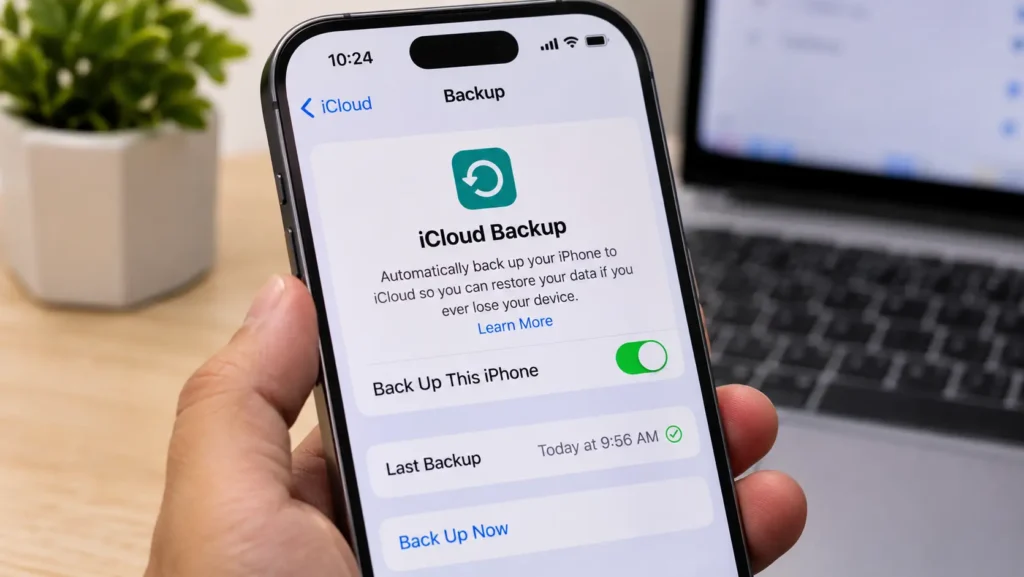
The best data recovery plan is a backup you already have. Take two minutes to:
- Turn on iCloud Backup and confirm the “last backup” time is recent
- Turn on iCloud Photos, or copy photos to a computer monthly
- Back up to your computer once in a while for a second copy
- Keep enough iCloud storage so backups don’t silently stop
Our guide to daily phone maintenance tips covers the full routine. For the bigger picture on phone data, see our post on phone data recovery.
When to Bring Your iPhone In Right Away
Don’t wait on any of these:
- The phone got wet, even if it still works
- The screen is black and nothing responds
- The back bulges or the screen lifts. Read our guide on battery swelling first.
- The phone is stuck on the Apple logo
- You see a “connect to iTunes” or recovery screen. Don’t restore it. Bring it to us.
Every day matters most for water damage and swelling batteries.
iPhone Data Recovery in Raleigh and Mebane
Raleigh customers can visit Quick Phone Repair on Leland Drive or Rock Quarry Road, and Mebane customers can visit Phone Expert on Mebane Oaks Road. Check our locations and contact us before you come in, so we can confirm a technician is ready for your model.
Frequently Asked Questions
Can you recover data from a broken iPhone that won't turn on?
Often, yes. We diagnose why it won't turn on, repair it enough to start where possible, then copy your data off. Results depend on the damage.
Can you recover photos from a dead iPhone without a backup?
Sometimes. If the phone can be repaired enough to start and unlock, we can copy your photos off. Without a working phone or a backup, the odds drop.
Can you recover data from an iPhone with a cracked screen?
Almost always. A screen replacement usually restores full access and leaves your data untouched.
Can you recover data from a water damaged iPhone?
Often, if you act quickly and avoid charging it. Corrosion spreads over time, so the first 24 hours matter most.
Do I need my passcode?
Yes. Recovery generally requires it, and we can't bypass it.
Is it safe to use data recovery software on a broken iPhone?
Most software needs a working, unlocked phone, which is exactly what you don't have. Be careful with tools that make big promises, and never run anything that resets the phone.
How much does iPhone data recovery cost?
It depends on the damage. We give you a free diagnostic and a clear quote before any work begins.
Will you keep my data private?
Yes. We treat your phone and files with the same confidentiality as any repair, and we never access your data beyond what the recovery requires.
Don’t Let a Broken iPhone Take Your Photos With It
Most broken iPhones aren’t a total loss, and your data often survives. The sooner you act, and the fewer things you try on your own, the better your odds.
📍 Visit us in-store or book your free data recovery diagnostic online today. 📞 Not sure what to do next? Contact us and we’ll tell you exactly how to protect your data before you bring the phone in.